Angular 21.1: Compose Arrays and Objects Directly in Templates
Angular 21.1 introduced a feature that sounds small but eliminates a whole class of helper methods we've all written for years. This update lets you compose arrays and objects directly in templates using the spread operator (...). This means you can merge arrays and extend objects declaratively and keep UI logic where it belongs: in the template. Let's see how it works!
The Example Application
Here we have a basic users list application:
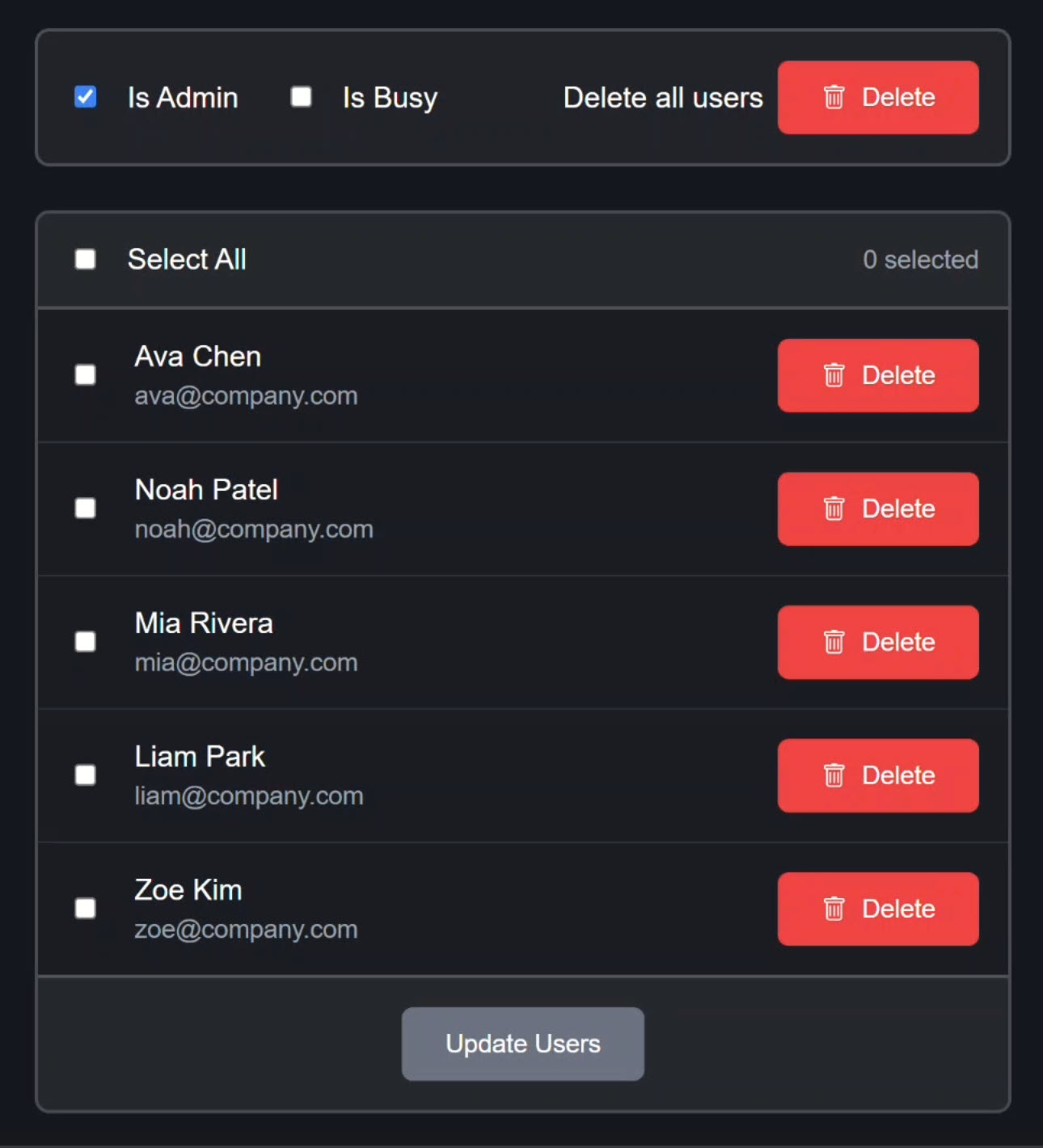
The data is composed from several different sources, which we’ll explore in detail in a moment.
At the top, we have checkboxes to mock whether we’re an admin or to simulate when the app may be busy processing something:
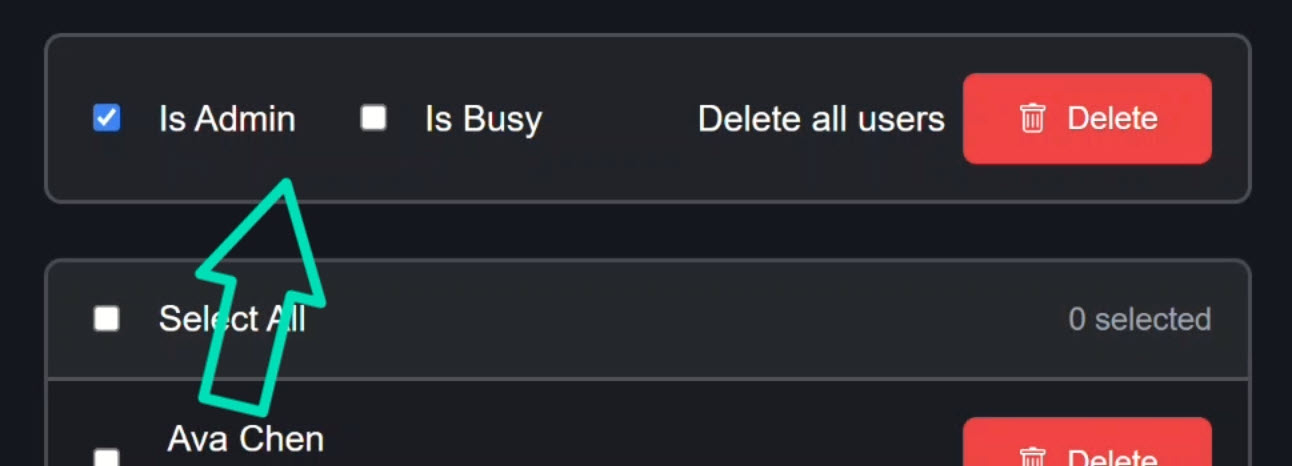
We’re starting out in admin mode.
Because of this, we have a button here where we can delete all users:
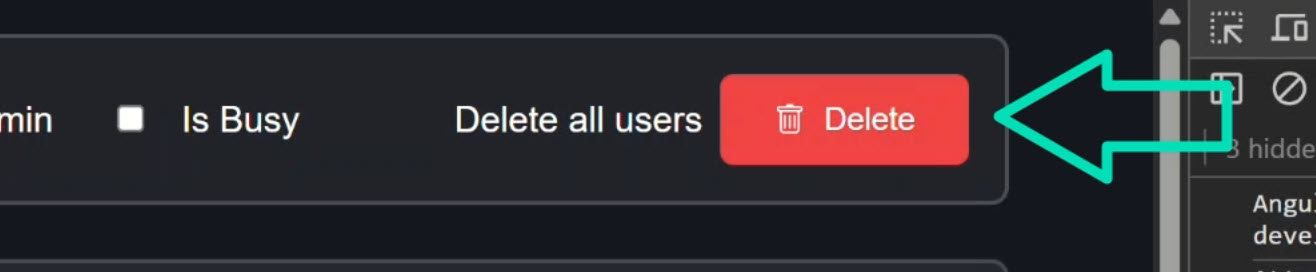
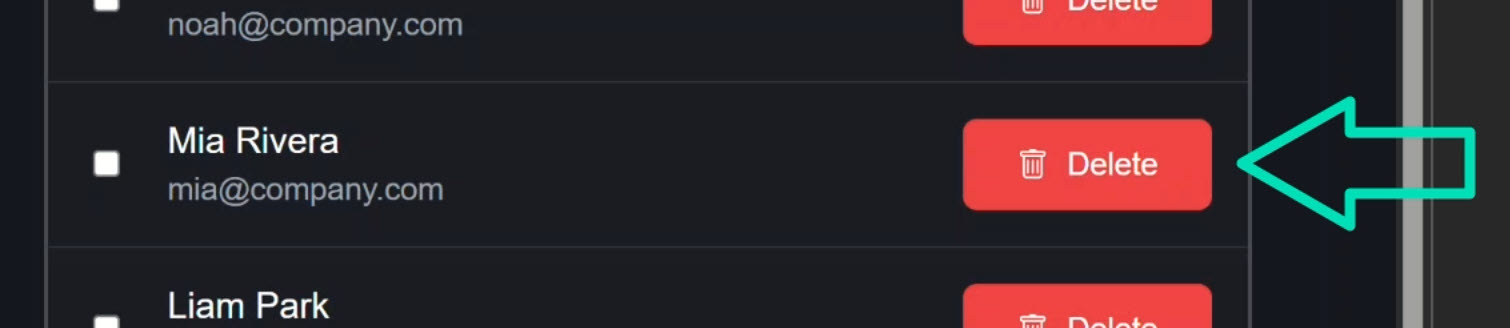
Then we have a button next to each user where we can delete them individually:
When we click the button to delete all users, we get a console log showing the configuration that we’re passing to this particular button:
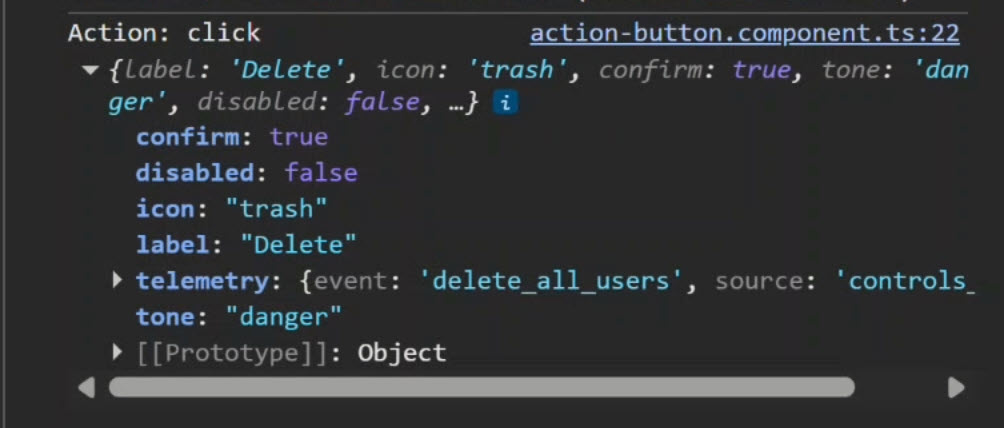
We’ve got a confirm, disabled, icon, label, telemetry, and tone property on the object.
In telemetry, we can see that the event is related to deleting all users and that the source is “controls_menu”.
The individual user delete buttons have a very similar looking object:
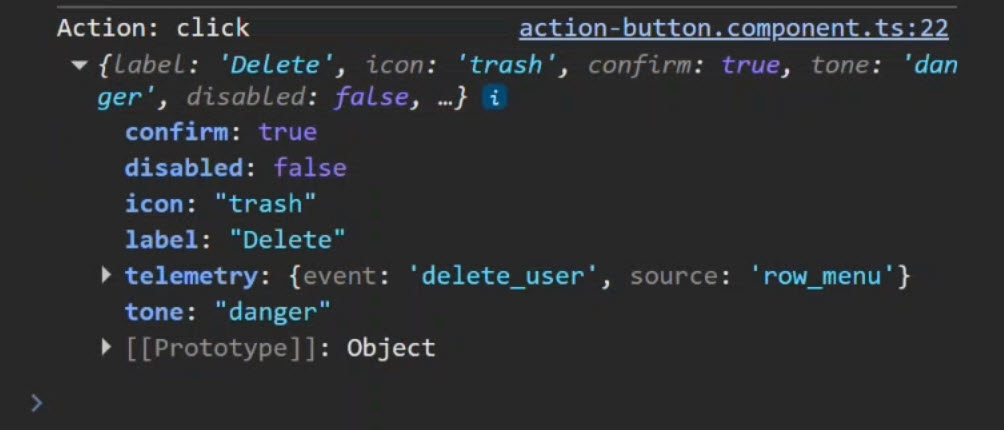
In fact, everything is the same as the other button except for the telemetry.
Keep this in mind because we’ll be making changes to these buttons using the spread operator.
Now if we check “is busy”, every delete button becomes disabled:
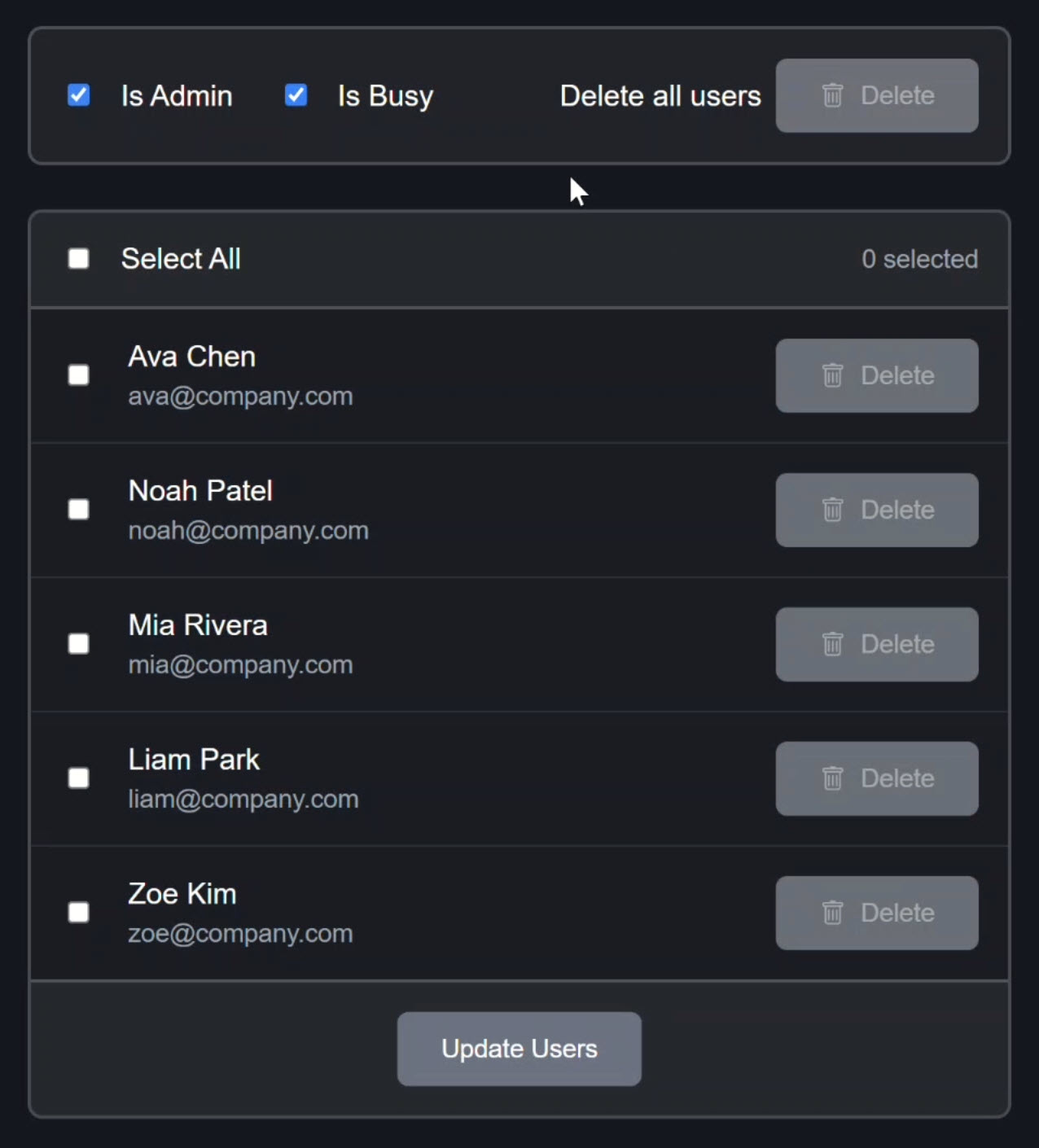
This simulates what would happen after submitting one of these actions while it’s processing.
If we turn off “is admin,” the top delete button disappears entirely and the user delete buttons are still there, but disabled:
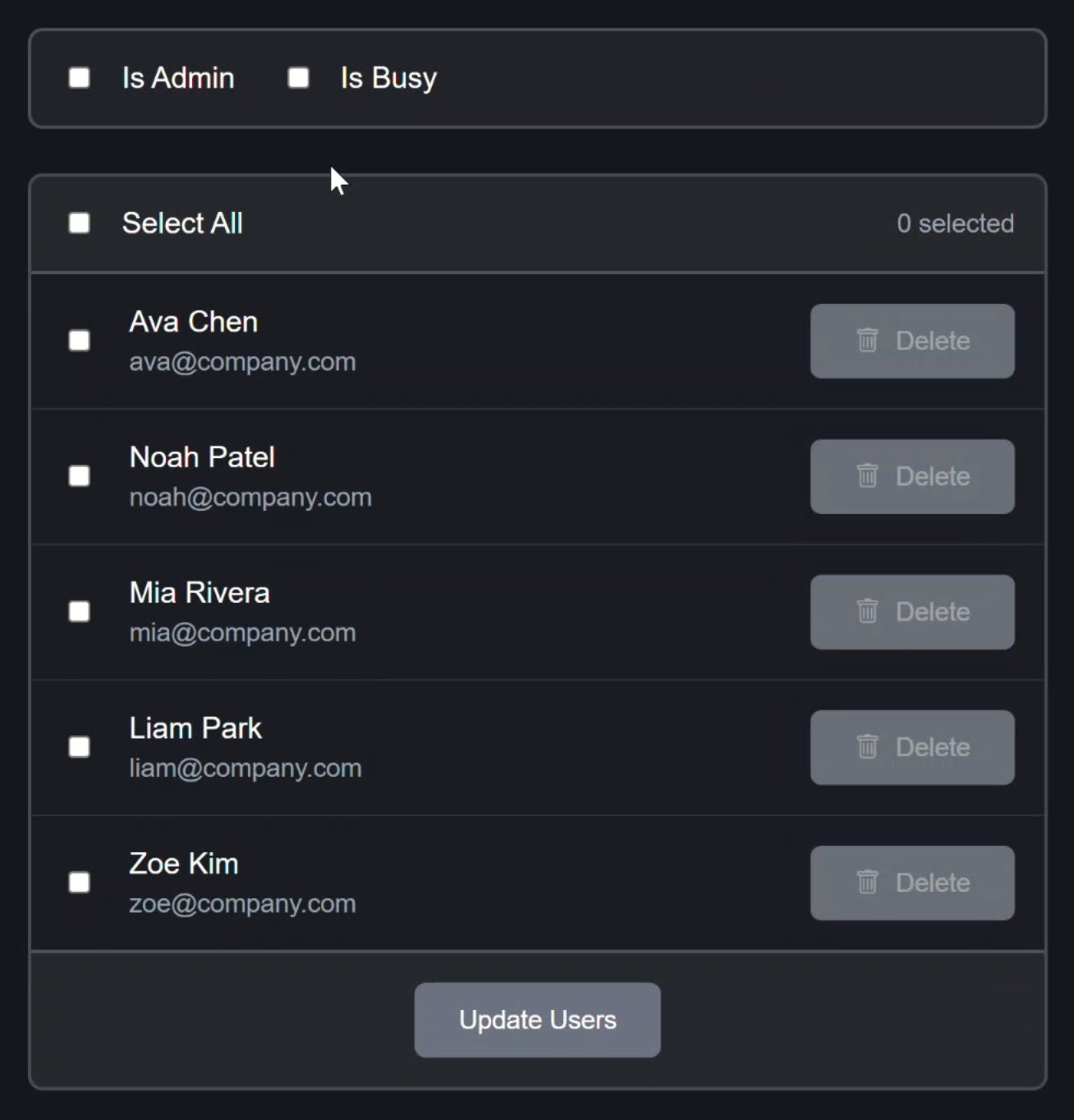
This is our baseline. Everything works as expected. Now let’s look at how it’s built.
Baseline: What Works Today
Let’s open up the template for this component and scroll down to where the users are listed out:
<ul class="users-list">
  @for (user of users(); track user.id) {
    ...
  }
</ul>
This is pretty straightforward.
We have a simple @for block that renders users based on a users array signal.
Let’s see how this array is being created in the component.
First, we have several arrays as signals that come from external sources:
import { ..., invitedUsers, pinnedUsers, searchResults, suggestedUsers, } from './users.data';

export class UsersPageComponent {
  ...
  protected readonly pinnedUsers = pinnedUsers;
	protected readonly searchResults = searchResults;
	protected readonly suggestedUsers = suggestedUsers;
	protected readonly invitedUsers = invitedUsers;
  ...
}
Then, we merge all of these together into a single array using a computed signal:
import { ..., computed } from '@angular/core';

export class UsersPageComponent {
  ...
  protected readonly users = computed(() => [
		...this.pinnedUsers(),
		...this.searchResults(),
		...this.suggestedUsers(),
		...this.invitedUsers()
	]);
  ...
}
This is perfectly fine as is.
It’s an acceptable way to do this type of thing.
But now we’ve got a new option.
We can compose this list directly in the template using the spread operator.
Spread Operator in Templates for Arrays (Angular 21.1)
Let’s go back to the HTML and add a new template variable called “users”.
It will be an array:
@let users = [
	...pinnedUsers(),
	...searchResults(),
	...suggestedUsers(),
	...invitedUsers()
];
That’s it. We can do this right in the template now.
We don’t have to use the computed signal if we don’t want to. Pretty cool, right?
This matters because this logic is purely about how the view is shaped.
It doesn’t need to live in the component class anymore.
Then we just need to go through the template and update anything using the old computed signal to use this new variable:
Before:
@for (user of users(); track user.id) {
  ...
}
After:
@for (user of users; track user.id) {
  ...
}
So we’ve completely removed the computed signal from the picture.
The template is now responsible for composing the list.
Everything behaves exactly the same.
But now our list composition lives with the markup that consumes it.
No helper methods. No computed signals. Just simple, declarative UI.
It’s just another, slightly more simplistic way to create the list in this case.
From Arrays to Objects
Now let’s look at another example using the spread operator with objects this time.
Here’s the code for the delete all users button:
<app-action-button
  [config]="{
    label: 'Delete',
    icon: 'trash',
    confirm: true,
    tone: 'danger',
    disabled: isBusy(),
    telemetry: { event: 'delete_all_users', source: 'controls_menu' }
  }"
/>
It uses a custom component that takes in a config input.
There are quite a few properties in this object, and if we remember back to the original example, lots of these were the same in the individual delete user buttons.
Here’s how those are wired up:
@if (isAdmin()) {
  <app-action-button
    [config]="{
      label: 'Delete',
      icon: 'trash',
      confirm: true,
      tone: 'danger',
      disabled: isBusy(),
      telemetry: { event: 'delete_user', source: 'row_menu' }
    }"
  />
} @else {
  <app-action-button
    [config]="{
      label: 'Delete',
      icon: 'trash',
      confirm: true,
      tone: 'warning',
      disabled: true,
      telemetry: {}
    }"
  />
}
With these buttons, we’re repeating ourselves.
And repetition always grows.
First it’s two buttons, then it’s four, then someone fixes a bug in one place and forgets the others.
So, let’s simplify this using the spread operator.
First, let’s add a variable for the configuration that’s shared across all three buttons:
@let sharedButtonConfig = {
	label: 'Delete',
	icon: 'trash',
	confirm: true,
};
Now let’s create a variable for the configuration shared across the two admin buttons:
@let sharedAdminButtonConfig = {
	...sharedButtonConfig,
	tone: 'danger',
	disabled: isBusy(),
};
In this, we can use the spread operator to include our sharedButtonConfig, then we’ll add the tone, and disable it when busy.
Now we can go and update the config for the delete all button:
<app-action-button
  [config]="{
    ...sharedAdminButtonConfig,
    telemetry: { event: 'delete_all_users', source: 'controls_menu' }
  }"
/>
Here we use the spread operator with the sharedAdminButtonConfig and then add the telemetry.
Now we can do the same for the admin button on the user delete button:
@if (isAdmin()) {
  <app-action-button [config]="{
    ...sharedAdminButtonConfig,
    telemetry: { event: 'delete_user', source: 'row_menu' }
  }" />
} @else {
  ...
}
Then on the non-admin button, we’ll use the shared configuration to replace everything except for tone, disabled, and telemetry:
@if (isAdmin()) {
  ...
} @else {
  <app-action-button [config]="{
    ...sharedButtonConfig,
    tone: 'warning',
    disabled: true,
    telemetry: {}
  }" />
}
And that’s it. With this, we were able to simplify these shared concepts right here within the template.
When we click the delete all users button, we get the same configuration object:
Same for the individual user delete buttons:
When we check “is busy”, every delete button still becomes disabled:
If we turn off “is admin,” the top delete button still disappears and the user delete buttons are still there and disabled:
Everything behaves exactly the same, but now our shared intent is visible, explicit, and impossible to drift out of sync.
Why This Actually Matters
Hopefully these examples have got you thinking.
Angular templates just got a little closer to TypeScript and that’s a big deal.
It’s cool because now you can:
- Compose arrays directly in the template: Merge multiple arrays without anything extra.
- Extend objects declaratively: Use the spread operator to build objects incrementally.
- Keep UI logic in the UI: Move view-specific composition logic from the component class to the template.
This feature bridges the gap between Angular templates and TypeScript, making templates more powerful and expressive while keeping them declarative and easy to understand.
If this helped you, be sure to subscribe and leave a comment, it really helps other Angular developers find this content.