Angular 22's New Built-in Debounce for Async Validation Explained
If you're using Signal Forms with async validation, you've probably run into a frustrating issue. You either debounce every validator with the debounce() function, or you end up hitting your API on every keystroke. Neither is great, but Angular 22 fixes this in a really clean way. This post walks through how the new built-in debounce works and why it makes Signal Forms even better.
The Problem: Debouncing Delays All Validators
When building forms with async validation, we want to wait for the user to stop typing before hitting the API.
Here we can type really slowly without triggering any validation or pending messages while validators are running:
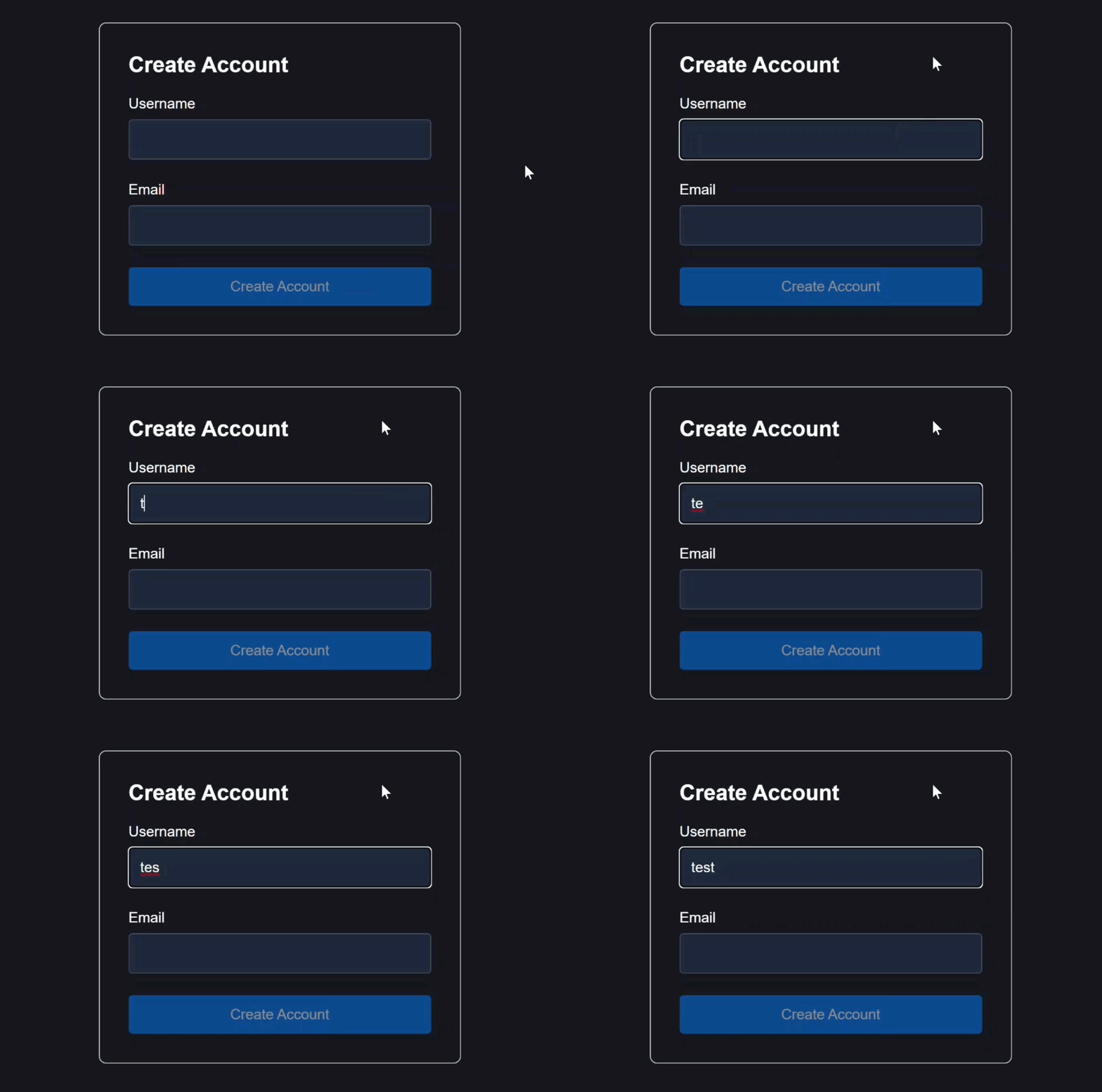
We’re waiting for the user to stop typing before we run our validation.
Once we stop, the validator fires and shows us a pending message:
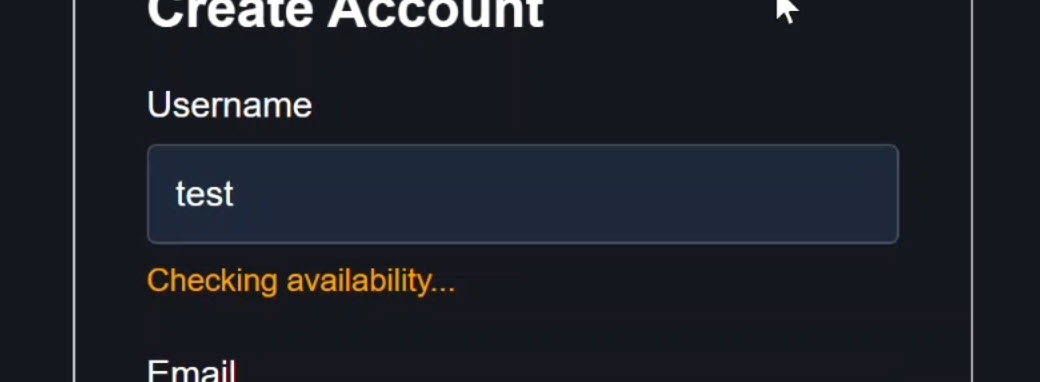
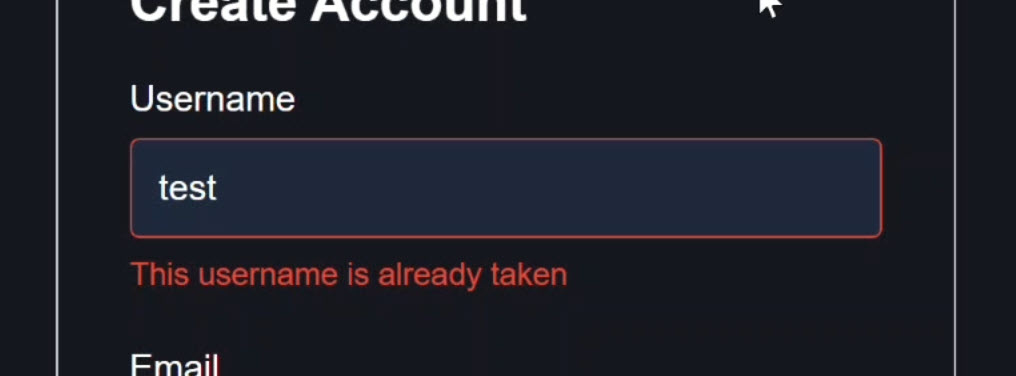
But in this case, the username “test” already exists, so now we see our error message:
The email field works the exact same way:
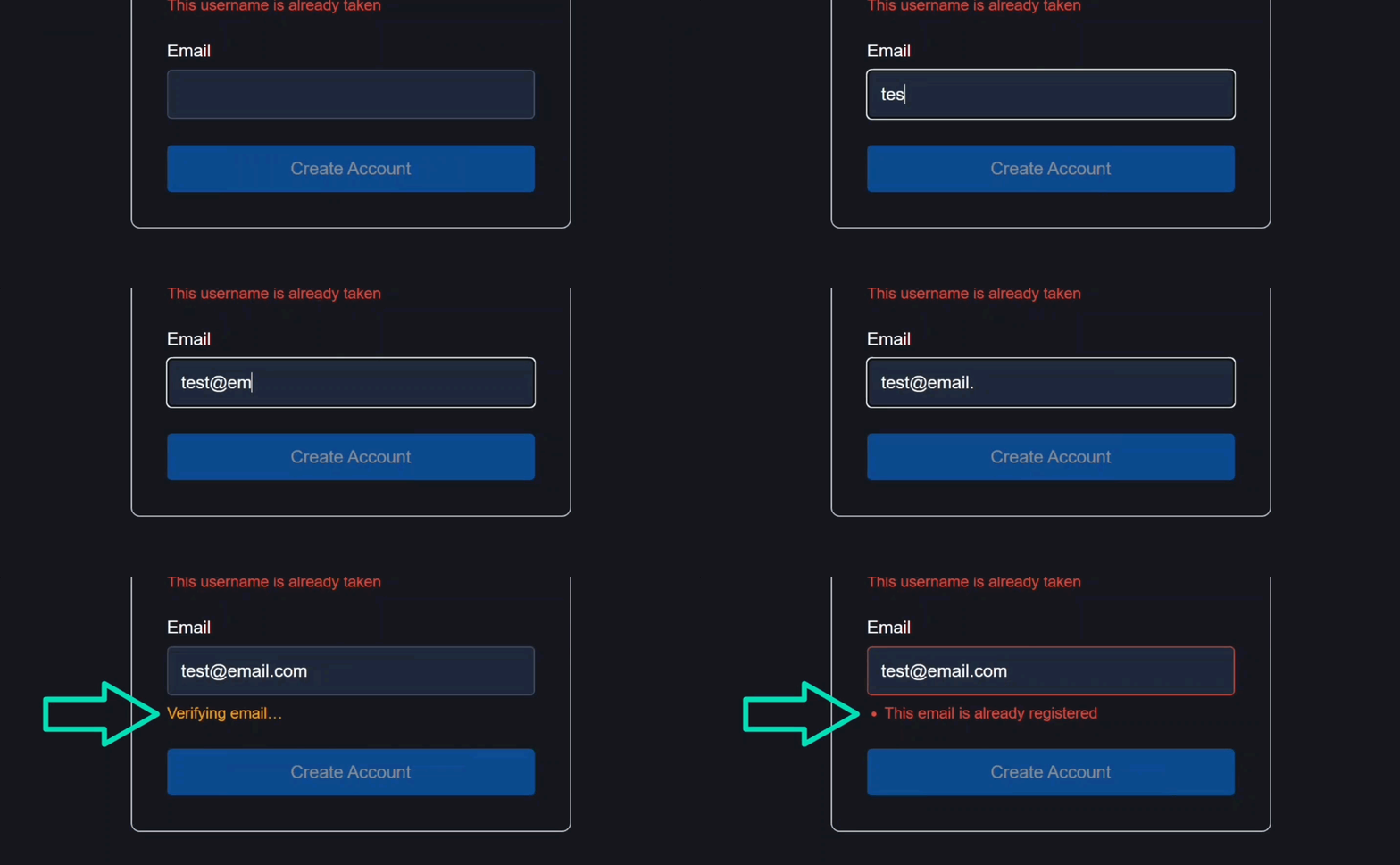
We get a pending message while validation is running, followed by an error message if the email is registered.
The Old Way: Field-Level Debounce
Here is how this form is currently wired up using Angular’s Signal Forms API.
We have a model signal holding the state for our sign up form, and a form declaration.
protected model = signal<SignUpForm>({
  username: '',
  email: '',
});

protected form = form(this.model, s => {
  required(s.username, {message: 'A username is required'});
  required(s.email, {message: 'An email address is required'});
  email(s.email, {message: 'Please enter a valid email address'});

  validateAsync(s.username, {
    ...
  });
  debounce(s.username, 2000);

  ...
}
But here’s the catch, this standalone debounce function applies to the entire field.
That means it debounces all validators, even synchronous ones like required() or minLength().
And this is an issue because it can delay instant feedback for simple checks just to accommodate our async call.
The same applies to validateHttp() on the email field:
protected form = form(this.model, s => {
  ...

  validateHttp(s.email, {
    ...
  });
  debounce(s.email, 2000);
}
We define our request and handlers, and then we have to tack on the debounce function at the end.
The New Way: Validator-Level Debounce
With Angular 22, we have a better approach available.
The Angular team added a new debounce option directly into the validation functions.
Angular 22 Fix: Built-in Debounce for Async Validators
So, we can delete the old debounce function call from and instead, inside validateAsync() and validateHttp(), we can just add the debounce property directly:
protected form = form(this.model, s => {
  ...
  validateAsync(s.username, {
    debounce: 2000,
    ...
  });
  // debounce(s.username, 2000);

  validateHttp(s.email, {
    debounce: 2000,
    ...
  });
  // debounce(s.email, 2000);
}
That’s it!
Before, debounce was applied at the field level.
Now it’s applied at the validator level.
This is important because async validation is fundamentally different from synchronous validation.
It’s network-bound, not CPU-bound.
So it should be controlled independently.
The Final Result
Now, synchronous validators can fire instantly, but our async check waits for the debounce just like the original example:
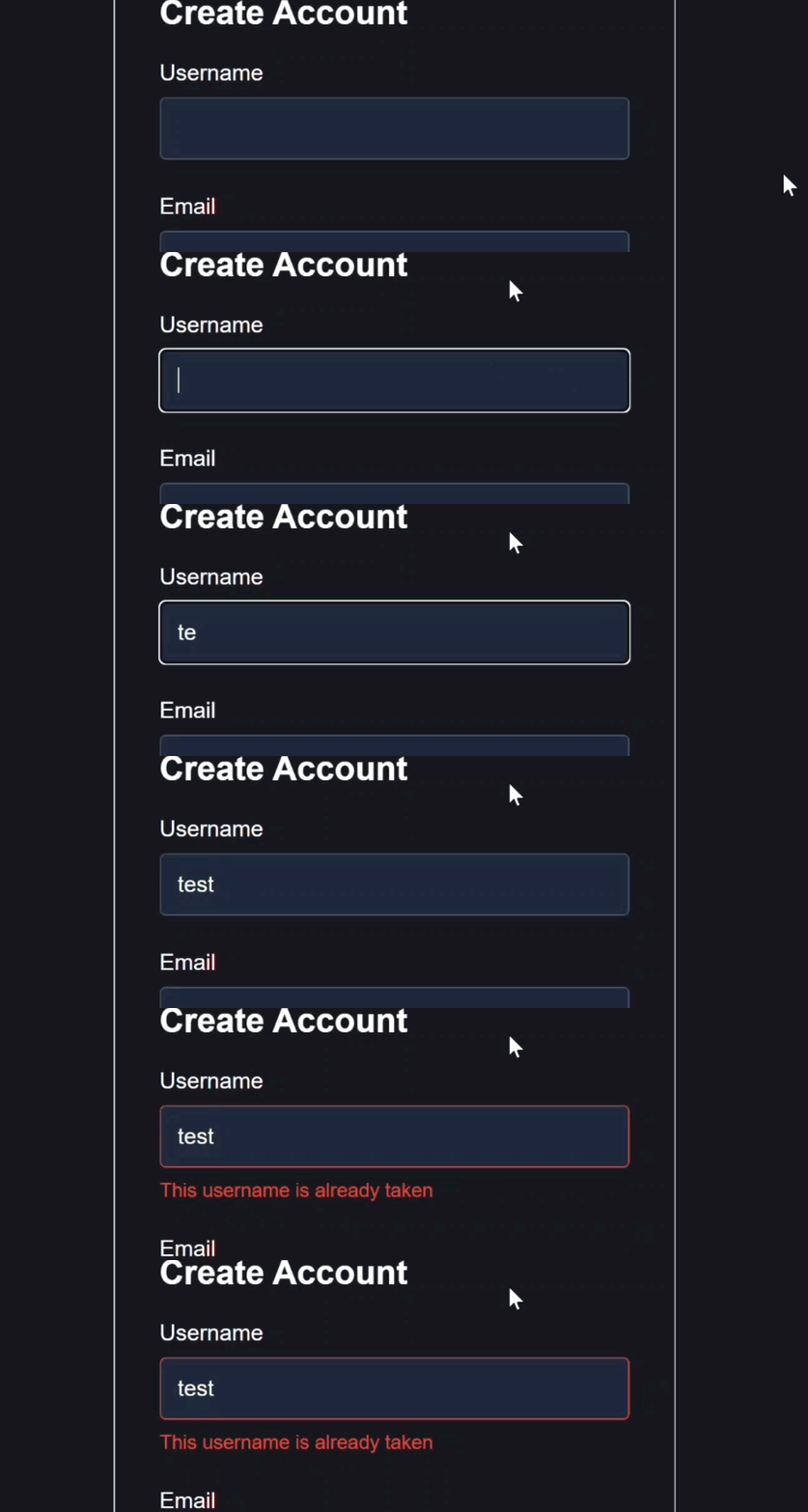
We see the pending message just like we used to, and then we get our validation error message.
Our async logic works the same, but we’re no longer holding up the rest of the validators tied to this control.
Why This Makes Signal Forms Better
So the key shift here is simple, debounce is no longer a field-level concern, it’s a validator-level concern.
That means better UX, cleaner code, and no more tradeoffs between responsiveness and API calls.
If you’re building complex forms in large enterprise apps, this small change reduces boilerplate and keeps your validation logic co-located with the validator where it belongs.
Get Ahead of Angular’s Next Shift
Most Angular apps today still rely on the old reactive or template-driven forms, but that’s starting to shift.
Signal Forms are new, and not widely adopted yet, which makes this a good time to get ahead of the curve.
I created a course that walks through everything in a real-world context if you want to get up to speed early: 👉 Angular Signal Forms: Build Modern Forms with Signals