Angular 21 Signal Forms: ignoreValidators Explained
What happens if a user clicks submit while your async validator is still checking the server? Do you submit bad data? Block the user? Silently fail? Angular Signal Forms now gives you explicit control over that behavior with the ignoreValidators option. In this guide, we'll walk through all three modes so you can choose the right strategy for your real-world Angular applications.
Angular Signal Forms: Default Submission Behavior with Async Validators
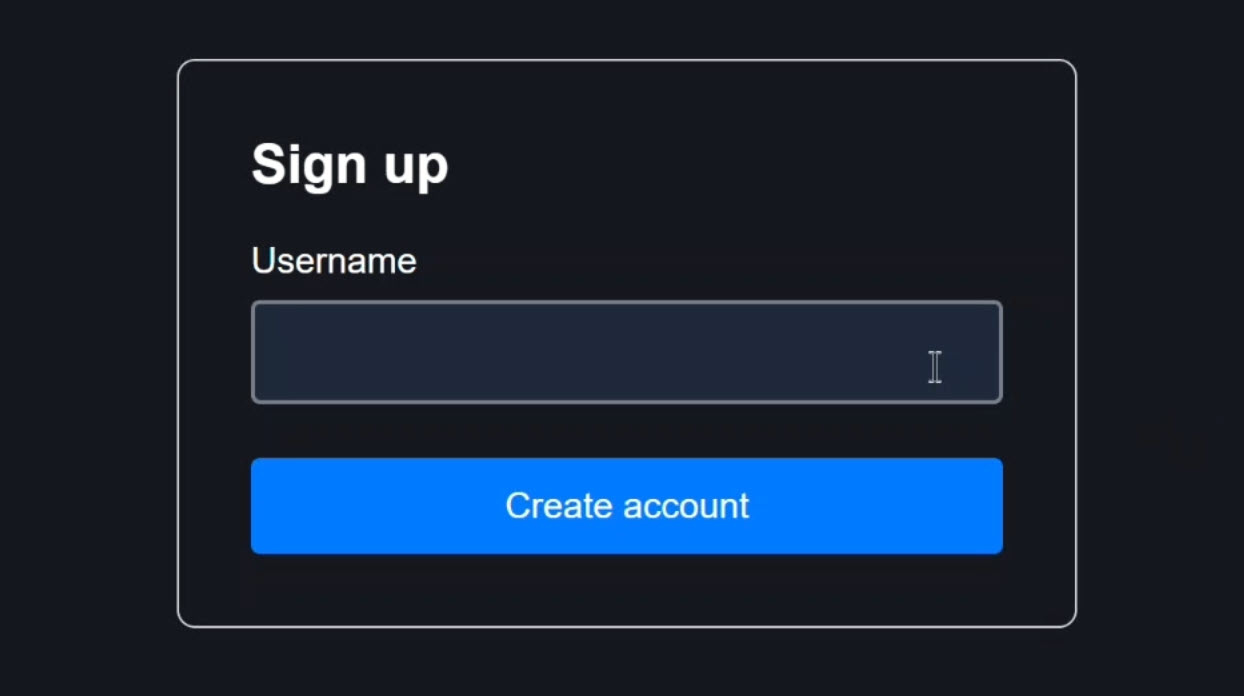
Here we have a simple sign-up form with a username field:
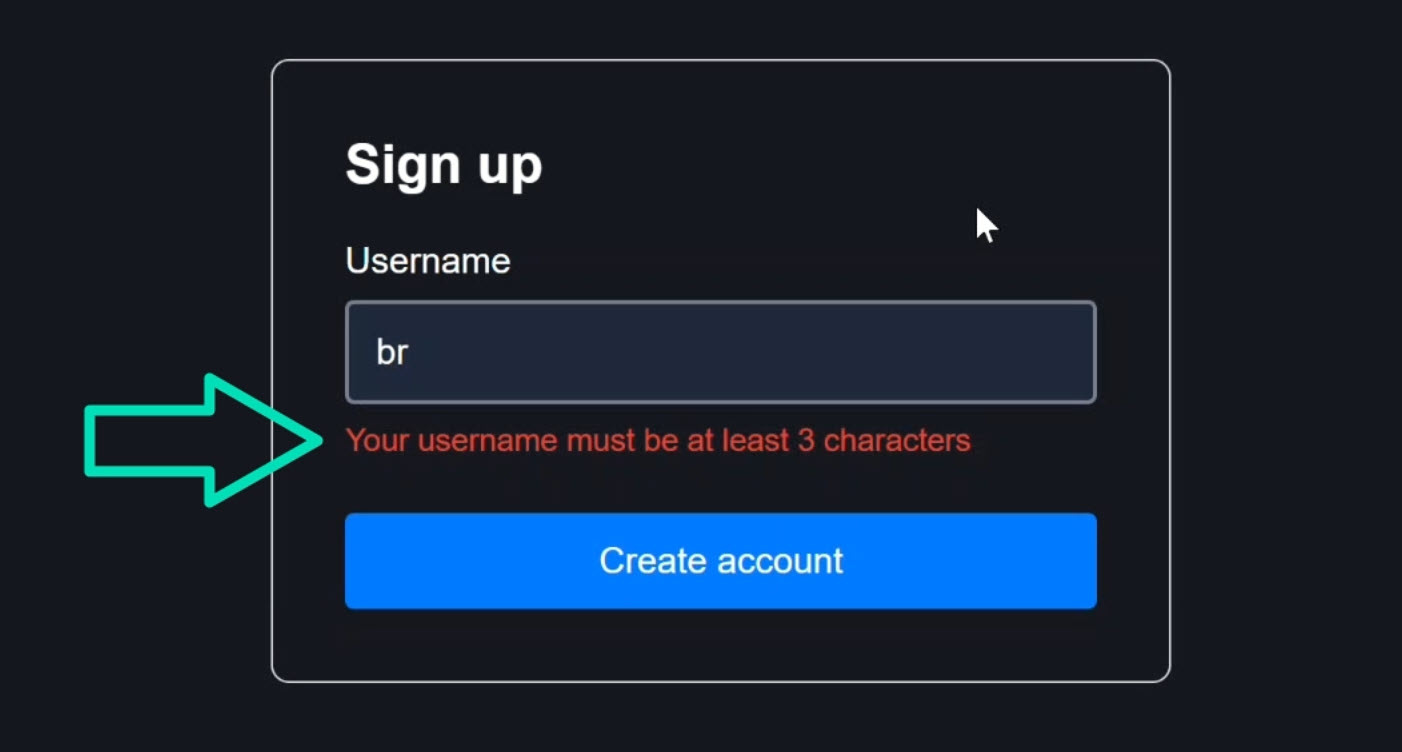
If you type something short, you get a minlength validation error:
When you type something longer, a “checking availability” message appears:
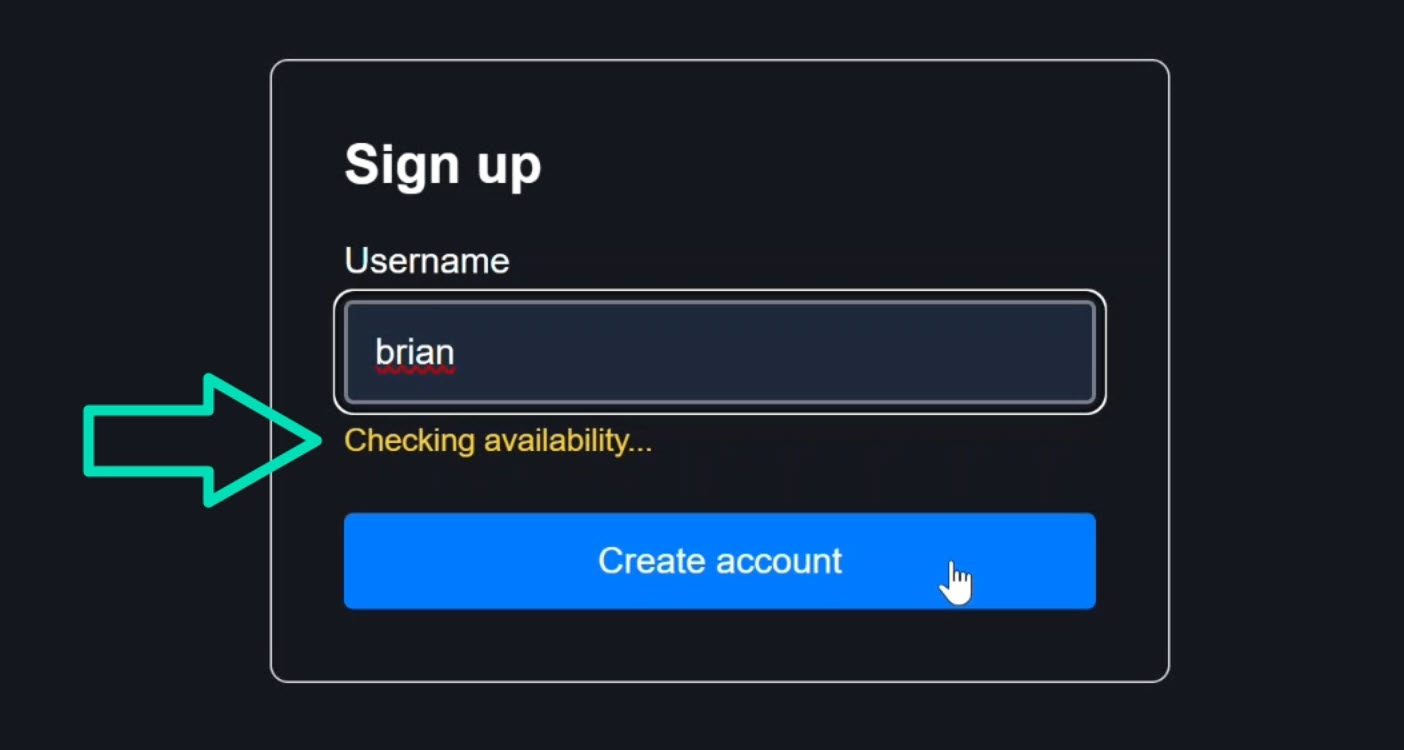
This message comes from an async validator that checks whether the username is already taken.
Here’s the key behavior to understand: If you click the submit button while the async validator is still running, the submit action runs immediately:
You can see this because we log the form value on submission:
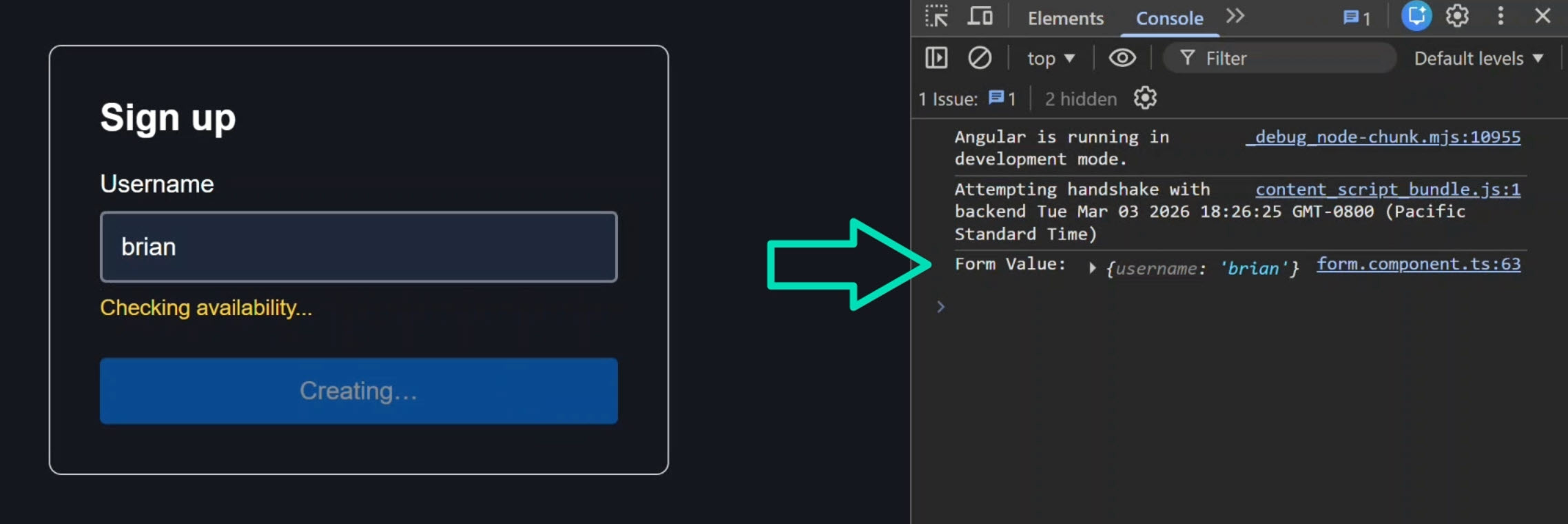
It does not wait for the async validator to complete.
Once the async check finishes, we get a validation error letting us know the name is already taken but by then, submission has already happened:
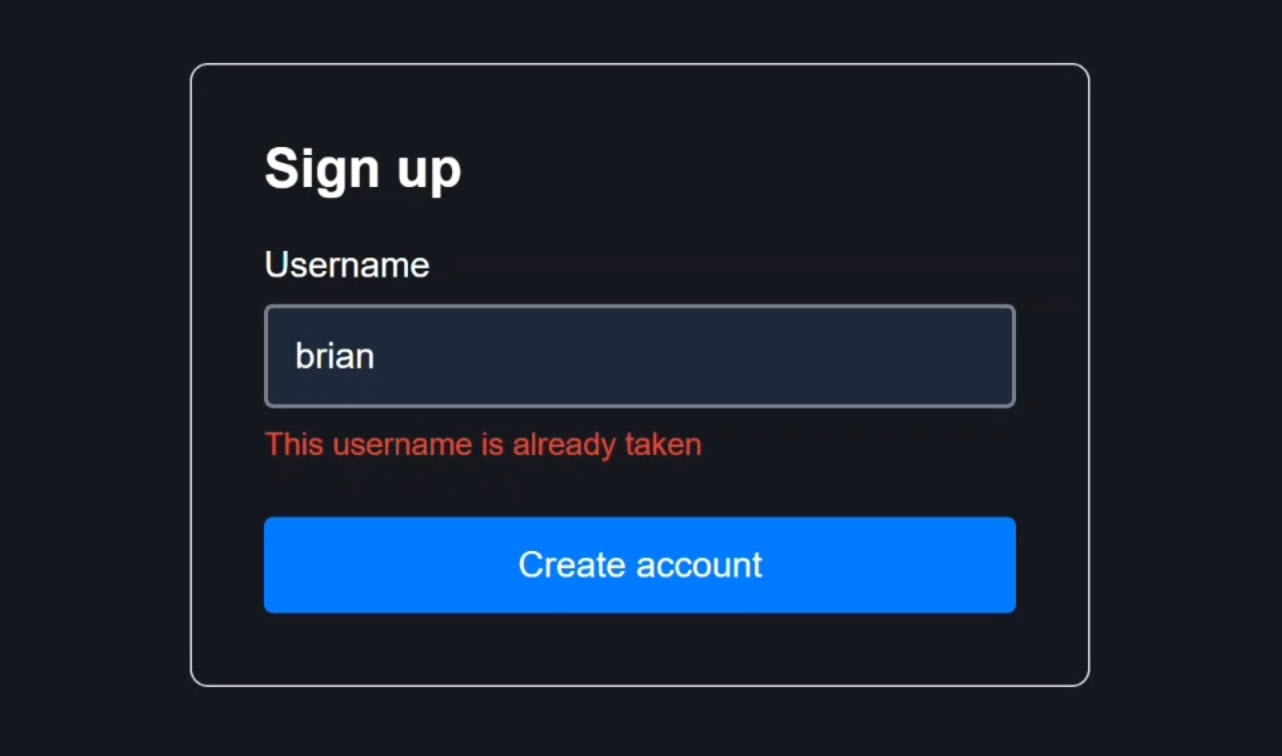
This is the default behavior we’ll modify in this tutorial.
But first, let’s see how the form is configured.
How the Signal Form Is Configured (Template + Submission Logic)
The template uses the new FormRoot directive on the <form> element to connect the native form to the Signal Form model:
<form [formRoot]="form">
    ...
</form>
The text input uses the FormField directive to bind to the username field:
<input
    id="username"
    type="text"
    [formField]="form.username" />
Below the input, we show a “checking availability” message when form.username().pending() is true:
@if (form.username().pending()) {
    <p class="info">Checking availability...</p>
}
This happens while the async validator is running.
We then loop through errors when the field has been touched to show validation errors:
 @if (form.username().touched() && form.username().invalid()) {
    <ul class="error-list">
        @for (err of form.username().errors(); track $index) {
            <li>{{ err.message }}</li>
        }
    </ul>
}
The submit button is disabled during submission and its label changes to “Creating…”:
<button type="submit" [disabled]="form().submitting()">
    {{ form().submitting() ? 'Creating…' : 'Create account' }}
</button>
The TypeScript: Model and Validation
In the component, we first define the form model for the form:
interface SignupModel {
	username: string;
}

protected readonly model = signal<SignupModel>({
    username: ''
});
Then we create the form using the form() function and pass in the model.
We also add a required, minlength, and async validators to the username field:
protected readonly form = form(
    this.model,
    s => {
        required(s.username, { message: 'Please enter a username' });
        minLength(s.username, 3,
            { message: 'Your username must be at least 3 characters' });
        validateAsync(s.username, {
            params: ({ value }) => {
                const val = value();
                if (!val || val.length < 3) {
                    return undefined;
                }
                return val;
            },
            factory: params =>
                resource({
                    params,
                    loader: async ({ params }) => {
                        const username = params;
                        const available = await this.checkUsernameAvailability(username);
                        return available;
                    }
                }),
            onSuccess: (result: boolean) => {
                if (result === false) {
                    return {
                        kind: 'username_taken',
                        message: 'This username is already taken'
                    }
                }
                return null;
            },
            onError: (error: unknown) => {
                console.error('Validation error:', error);
                return null;
            }
        });
        debounce(s.username, 300);
    },
    ...
);
And then, the third parameter to this form is an options object where we handle submission:
{
    submission: {
        action: async form => {
            console.log('Form Value:', form().value());
            await new Promise(resolve => setTimeout(resolve, 1500));
        }
    }
}
This submission object defines an action that runs when submission is allowed.
This action only runs if the form permits it, and by default, it runs even when async validators are still pending.
Validation errors can appear after submission has already happened.
Is that what you want in a real application? Sometimes yes, if you want a responsive feel and you’re okay validating after submission.
Often you need stricter behavior, and until now there was no control over this.
But now, the ignoreValidators option changes that.
ignoreValidators: ‘pending’ - Default Async Submission Behavior Explained
The new ignoreValidators option determines how validator state affects whether submission is allowed.
Inside the submission configuration is where you control how validator state affects whether submission is allowed.
The three possible values are pending, none, and all.
With ignoreValidators: 'pending', you can still submit while async validators are running.
{
    submission({
        ignoreValidators: 'pending',
        ...
    });
}
After saving, you’ll notice that the form still submits while the async validator is still running:
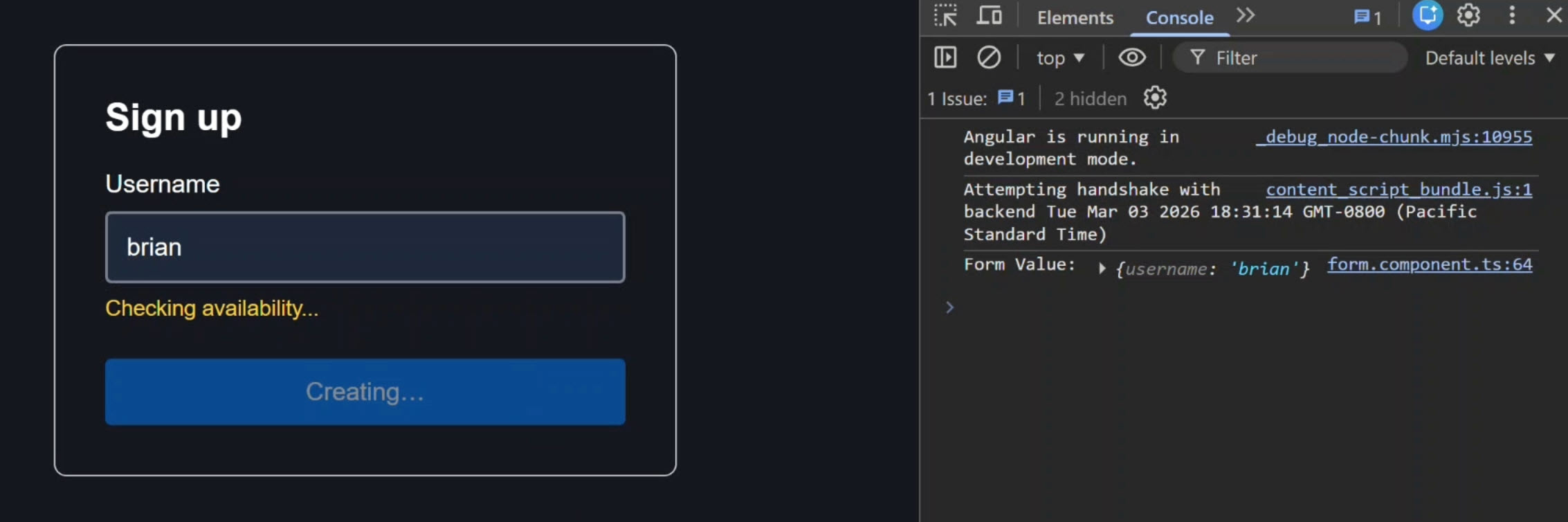
This is because pending is the default behavior.
Adding it explicitly doesn’t change behavior, but it can make the intent clear in your codebase.
Use this when: You want a fast, responsive experience and don’t want to block on async checks.
ignoreValidators: ‘none’ - Block Submission Until Validation Completes
When we switch to ignoreValidators: 'none' we get more strict, production-safe behavior:
{
    submission({
        ignoreValidators: 'none',
        ...
    });
}
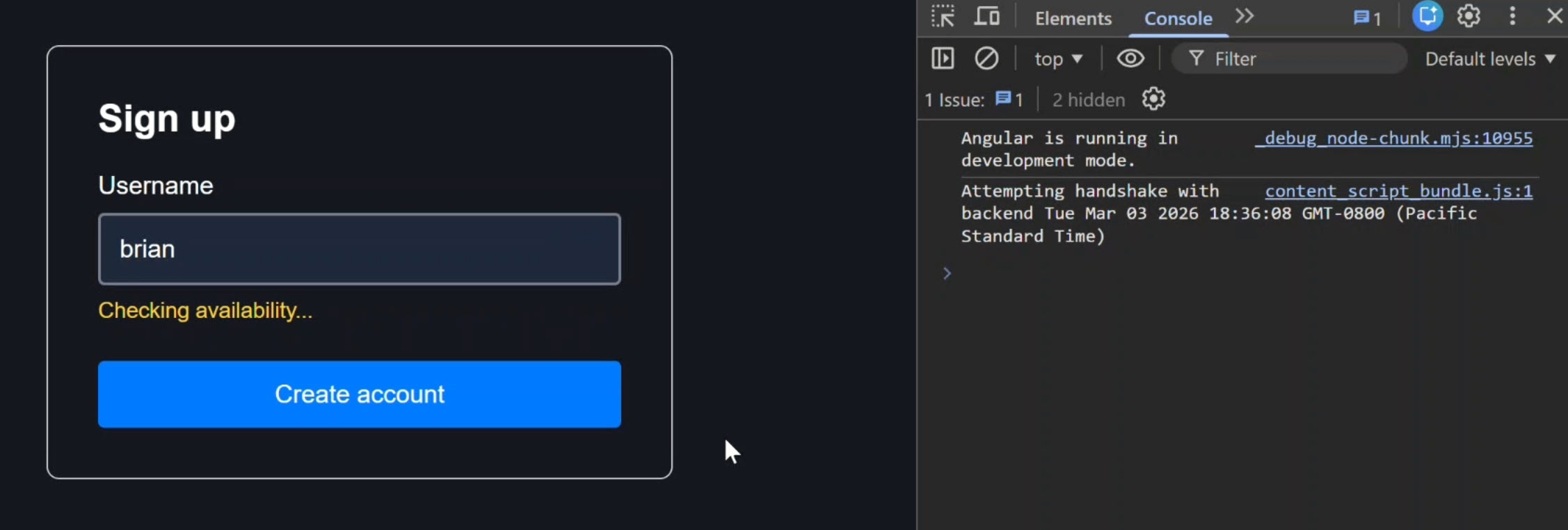
After saving, you’ll notice that the form does not submit while the async validator is still running anymore:
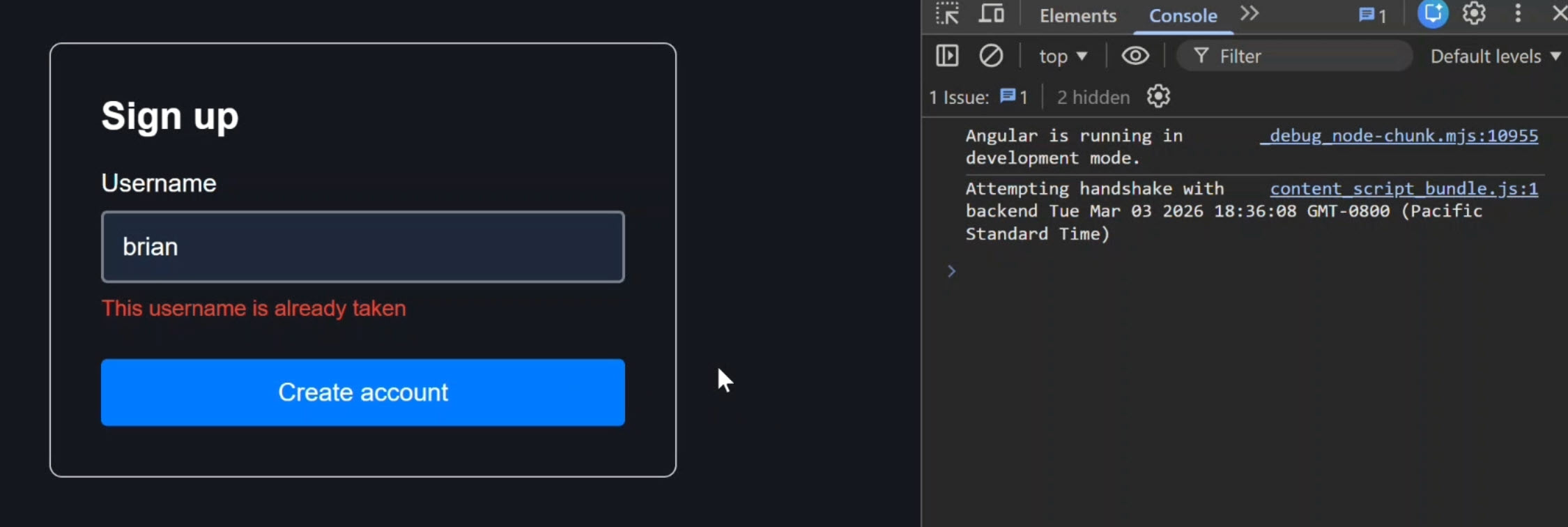
And it won’t submit once validation finishes if the form is still invalid:
With none, the form respects all validator states.
If a validator is pending, submission waits.
If the form is invalid, submission is blocked.
The user cannot submit until all validation (including async) has completed and the form is valid.
Using onInvalid to Auto-Focus the First Invalid Field
When submission is blocked because the form is invalid, you can improve UX by focusing the first invalid field.
You can add an onInvalid callback to do this:
{
    submission({
        ignoreValidators: 'none',
        onInvalid: (field, detail) => {
            const first = detail.root().errorSummary()?.[0];
            first?.fieldTree()?.focusBoundControl?.();
        }
        ...
    });
}
Now, when the user clicks submit and the form is invalid, onInvalid runs.
We use errorSummary() to get a flat list of fields with errors, grab the first one, and use focusBoundControl() to move focus to it:
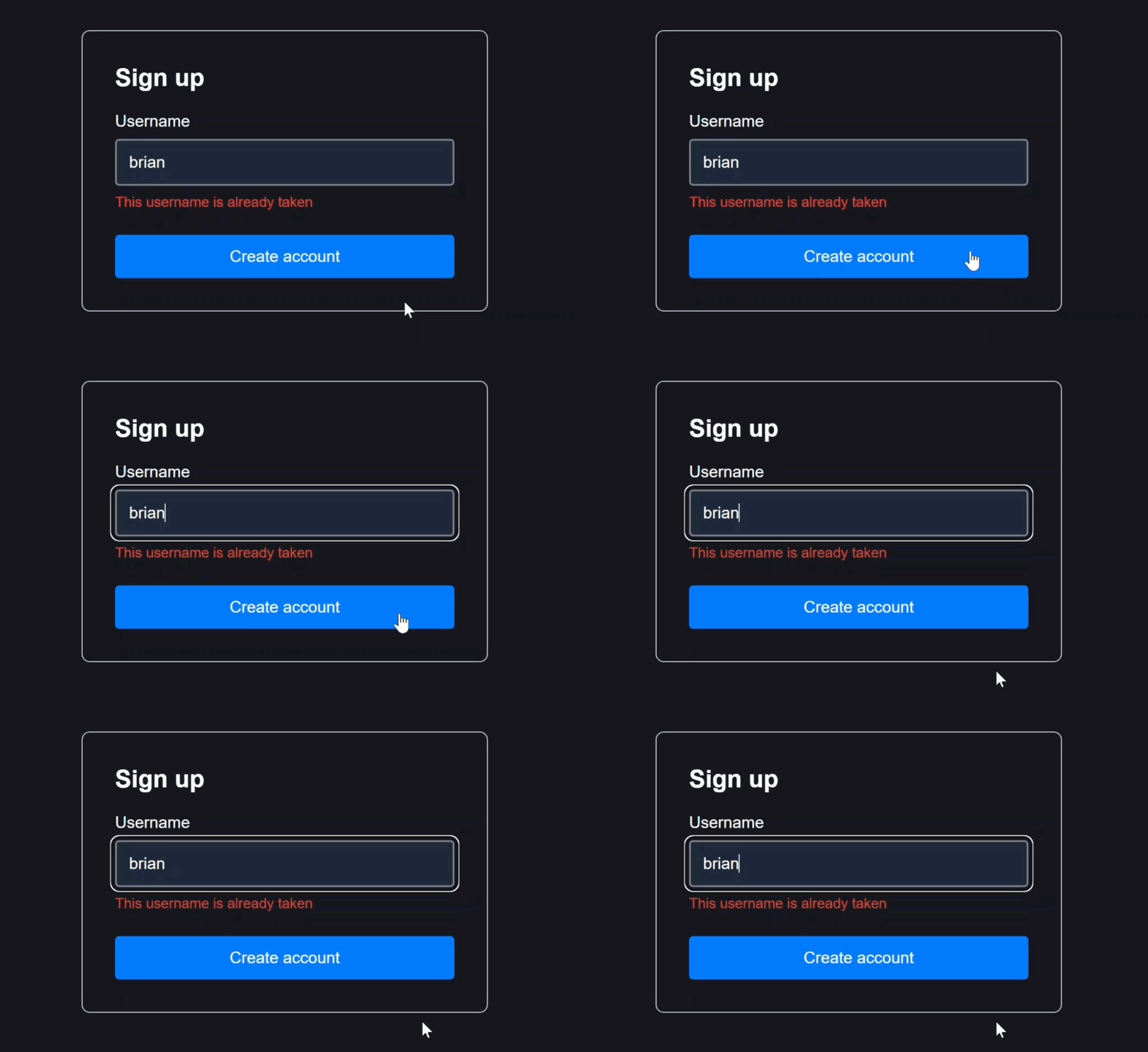
This gives users clear feedback about what needs to be fixed.
Use this when: You need strict, production-safe validation and want to prevent invalid or partially validated data from being submitted.
ignoreValidators: ‘all’ - Submit Even When Invalid or Pending
With ignoreValidators: 'all', the form submits regardless of validation state:
{
    submission({
        ignoreValidators: 'all',
        ...
    });
}
In this mode, you can submit with an empty required field, or while an async validator is still running, it essentially ignores the validator state:
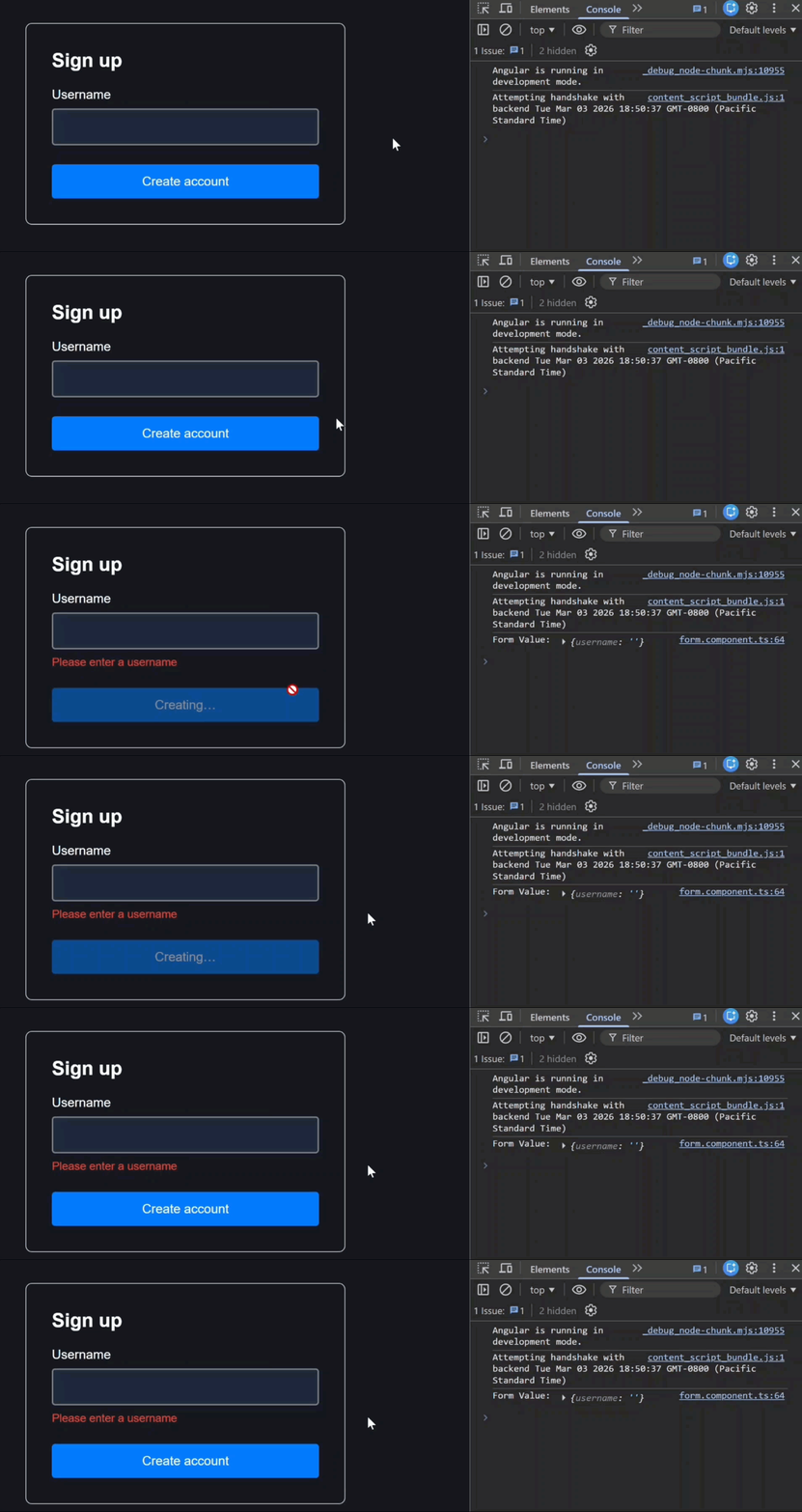
Validation still runs and errors still appear, but submission has already occurred.
Use this when: You’re building features like saving drafts, auto-saving, or partial data persistence, not for forms that require full validation before submission.
Choosing the Right ignoreValidators Mode for Real-World Angular Apps
| Mode | Behavior | Best For |
|---|---|---|
pending |
Submit while async validators run; block only on invalid sync state | Fast UX when you’re okay validating after submit |
none |
Block until all validation (sync + async) completes | Production forms that must not submit invalid data |
all |
Submit regardless of validation state | Drafts, auto-save, partial persistence |
ignoreValidators gives you precise control over what happens when users submit while validation is still running.
If you’re building real-world Angular applications with Signal Forms, this is an option you should understand deeply.
If this helped you, be sure to subscribe for more deep dives into modern Angular features.