Angular Signal Forms: Number Inputs Finally Fixed in Angular 21.2
Number inputs in Angular Signal Forms had a subtle but frustrating problem, there was no clean way to represent an empty numeric field. But, as of v21.2.0, this issue has been quietly fixed. Let me show you exactly what this looked like before, and then follow it up with how it works now.
The Starting Point: A Simple Signup Form
To demonstrate the problem, let’s start with a basic signup form that has a username and email field:
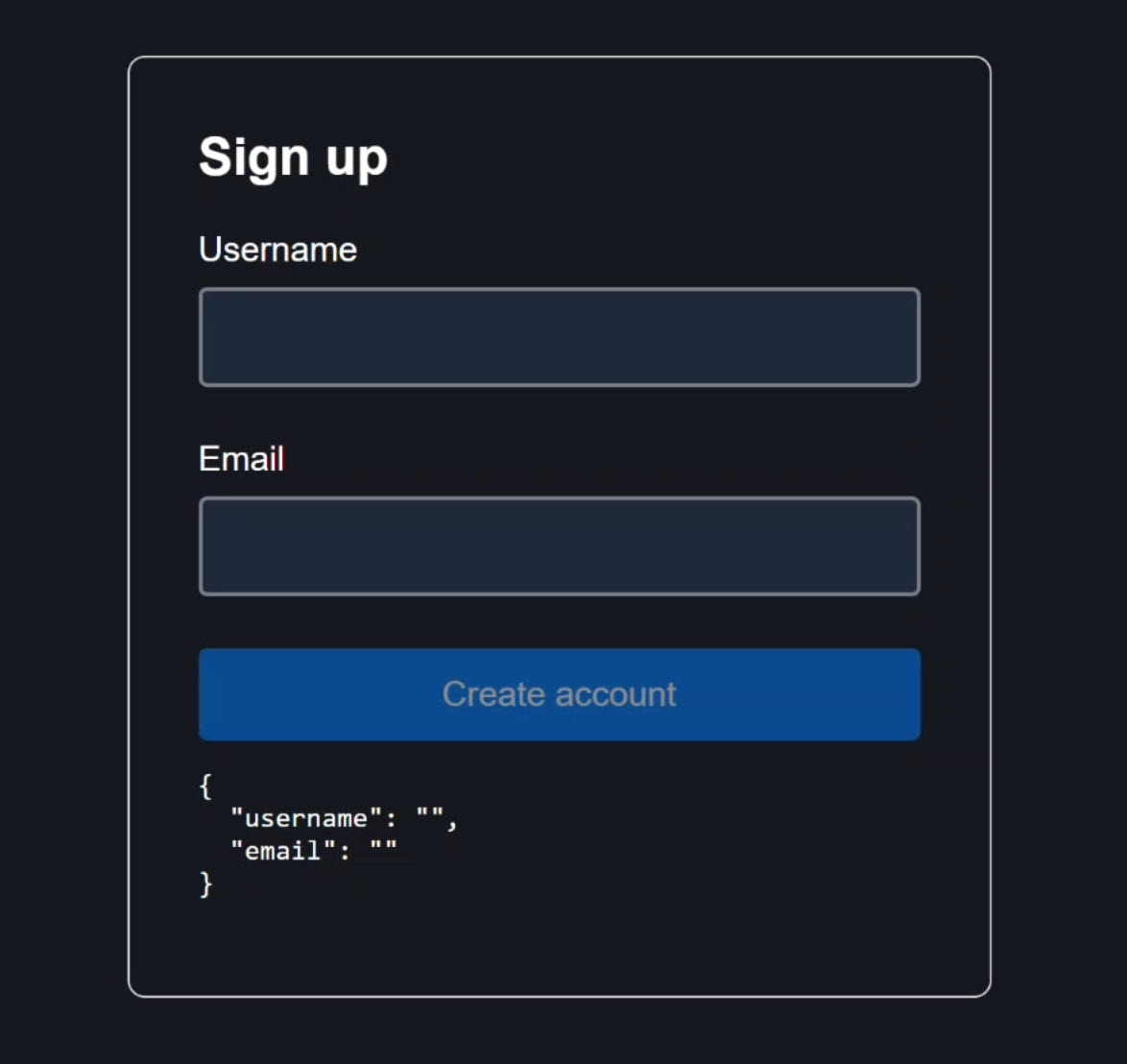
At the bottom of the form, we’re outputting the form model value so we can see exactly what’s happening in real time as we interact with the form:

Now let’s say we need to add an age field.
Seems simple enough, just add a number input, right?
But this is where things get interesting.
The Obvious Solution (zero)
In the component TypeScript, we have a SignupModel interface that defines the shape of our form data:
interface SignupModel {
	username: string;
	email: string;
}
Now, we want to add a new property for age.
Since this is a number field, I’ll type it as a number:
interface SignupModel {
	username: string;
	email: string;
	age: number;
}
Now, we need to initialize the form model signal with a default value for the age field.
Since age is a number, the most obvious default value is zero:
protected readonly model = signal<SignupModel>({
    username: '',
    email: '',
    age: 0,
});
We also need validation.
Inside the form configuration function, we need to add a required validator for this new age field:
protected readonly form = form(
    this.model,
    s => {
        ...
        required(s.age, { message: 'Please enter an age' });
    }
);
This ensures that the user must provide a value for this field.
Adding a Number Input Using Angular Signal Forms
In the template, the age field follows the same pattern as the other inputs:
<div class="field">
    @let age = form.age();
    @let showAgeError = age.touched() && age.invalid();
    <label for="age">Age</label>
    <input
        id="age"
        type="number"
        [formField]="form.age" />
    @if (showAgeError) {
        <ul class="error-list">
            @for (error of age.errors(); track error.kind) {
                <li></li>
            }
        </ul>
    }
</div>
We create an age template variable to reference the age field signal, and then a showAgeError variable to check if the field has been touched and is invalid.
Then, we add a label and number input for the age field.
The formField directive connects the input to the Signal Form control, just like the other fields.
Finally, we add a conditional error message loop that displays validation errors once the field has been touched and is invalid.
The Problem with Zero
This works, but there’s an immediate issue: The age field renders with 0 pre-filled:
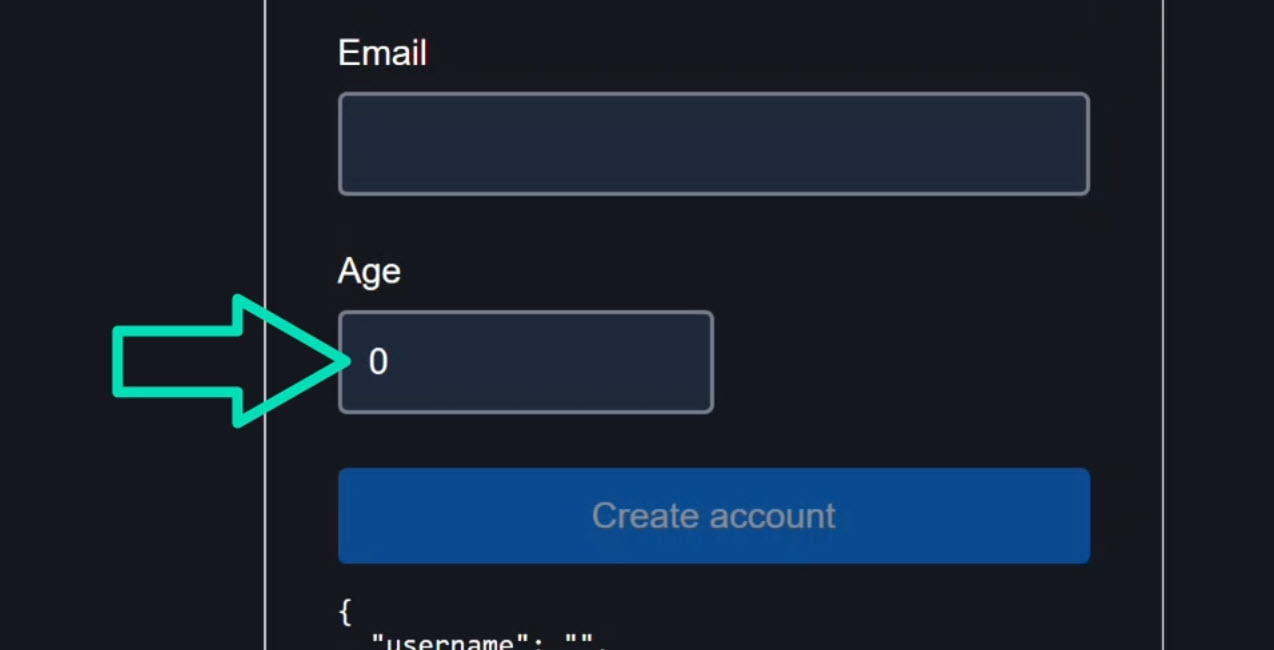
The form model output also shows age: 0:

But zero is probably not the user’s actual age.
It’s a placeholder value that creates ambiguity.
We can’t distinguish between the user intentionally entering zero and the user not entering anything at all.
Clearing the field does trigger the required validation error:

And the model value becomes null:

But starting with zero isn’t ideal for most real-world forms.
The Type-Safety Compromise: Using a Union Type (string | number)
One workaround is to loosen the type so that age can be either a number or a string:
export interface SignupModel {
    username: string;
    email: string;
    age: number | string;
}
Then initialize it with an empty string instead of zero:
protected readonly model = signal<SignupModel>({
    username: '',
    email: '',
    age: '',
});
Now the field starts empty:

And the model shows an empty string:

Typing a value works correctly:
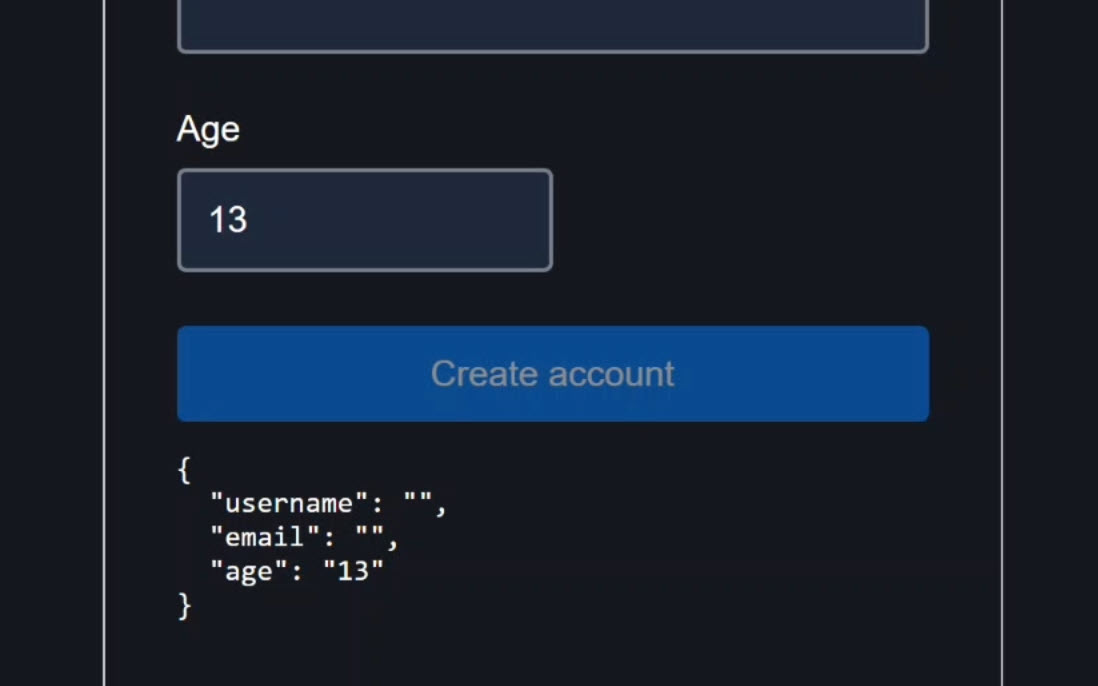
But we’ve introduced a different problem: from TypeScript’s perspective, age might be a string.
We’ve lost type safety, and in a real application, this can lead to bugs and extra conversion logic.
The Hack Developers Used (NaN)
Another approach developers used was NaN.
So we revert the interface back to number:
export interface SignupModel {
    username: string;
    email: string;
    age: number;
}
Then we initialize it with NaN instead of an empty string or zero:
protected readonly model = signal<SignupModel>({
    username: '',
    email: '',
    age: NaN,
});
The field starts empty again:
And the model shows null this time, which looks correct:
But NaN is semantically misleading.
It literally means “not a number” while being typed as a number.
It worked because Angular maps empty number inputs to null, but Signal Forms didn’t originally support null as a valid model value for number fields.
NaN was a workaround, not a real solution.
The Correct Approach: Using null for Number Inputs in Angular Signal Forms
As of Angular 21.2.0, Signal Forms officially support null for number inputs.
This aligns Signal Forms with how Reactive Forms and most backend systems represent optional numeric values.
We just need to update the interface to allow null:
export interface SignupModel {
    username: string;
    email: string;
    age: number | null;
}
Then initialize with null:
protected readonly model = signal<SignupModel>({
    username: '',
    email: '',
    age: null,
});
That’s it!
Now the field still starts empty:
And the model value is still null to start:
There are no more hacks, no ambiguity, and no loss of type safety.
null clearly represents the absence of a value, which is exactly how most databases and APIs model optional numeric fields.
Your form state now aligns directly with your data layer.
In Summary
Angular 21.2.0 quietly shipped a small but meaningful improvement for Signal Forms: proper null support for number inputs.
It eliminates the need for workarounds and gives you a clean, type-safe way to represent the absence of a numeric value.
If this helped you, be sure to subscribe for more deep dives into modern Angular features.