Focus Controls the Signal Forms Way
Have you ever tried to programmatically focus a form field in Angular and ended up with view queries, nativeElements, ElementRefs, and a tiny voice in your head whispering "there has to be a better way"? As of Angular 21.1.0, there is! The Signal Forms API now exposes a method called focusBoundControl() that lets you focus fields easily using a single method call. Instead of manually walking the DOM, you can ask the form directly.
Angular Signal Forms Tutorial Series:
- Migrate to Signal Forms - Start here for migration basics
- Signal Forms vs Reactive Forms - See why Signal Forms are better
- Custom Validators - Add custom validation to Signal Forms
- Async Validation - Handle async validation in Signal Forms
- Cross-Field Validation - Validate across multiple fields
- State Classes - Use automatic state classes
- Zod Validation - Schema validation with Zod
- Form Submission - Handle form submission properly
- Structuring Large Forms - Organize complex forms
Baseline: Programmatic Focus in an Angular Signal Form
Here we have a simple app with some content and an address form built using the new Signal Forms API:
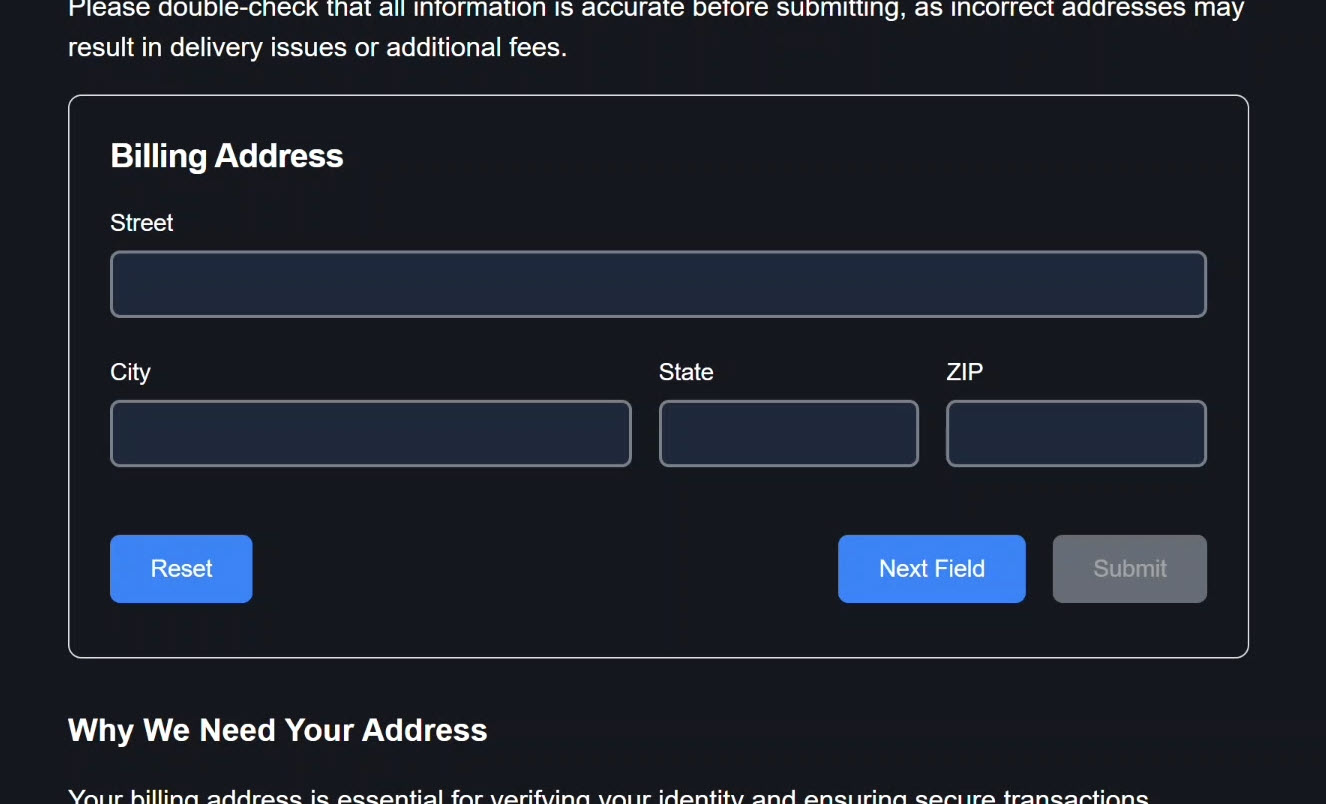
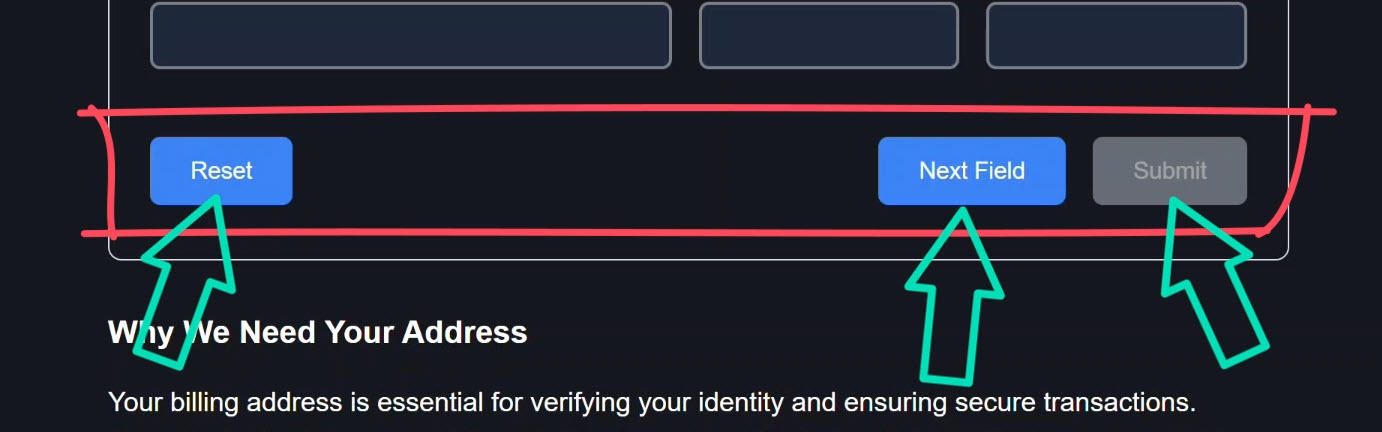
At the bottom of the form we have three buttons:
- A button to reset the form
- A button to navigate to the next invalid field
- A submit button to submit the form once everything has been added
If we add a street address and then hit the “next field” button, the “City” field will be focused:
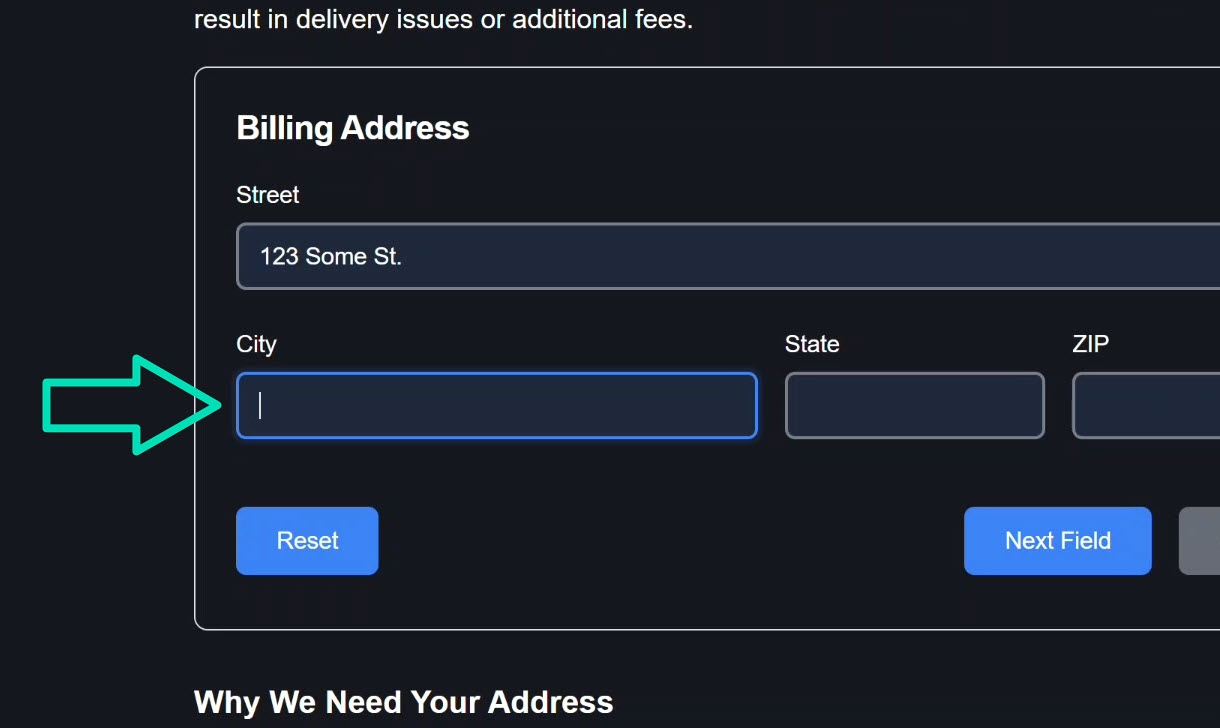
That’s intentional. This button is meant to jump you to the next invalid field, and it does so with programmatic focus.
Then, when we blur out of the field, we get a validation error:
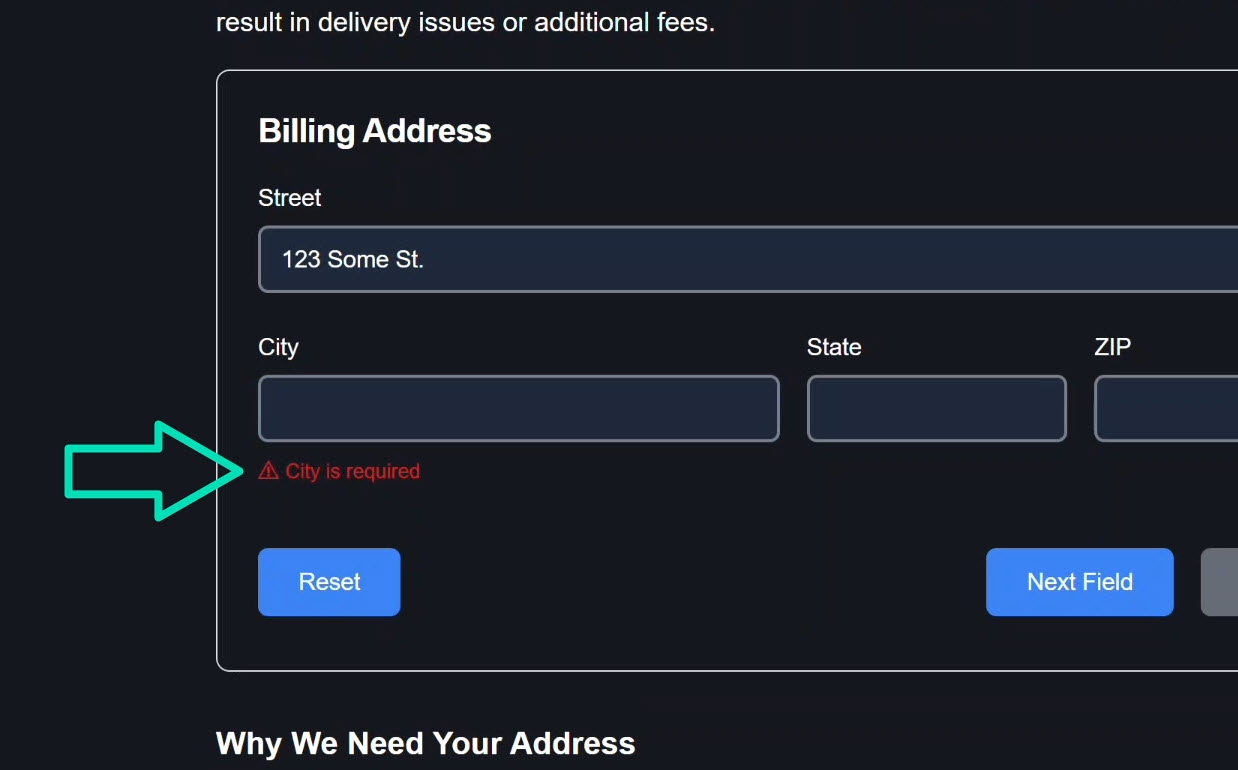
Good. Now let’s hit the reset button:
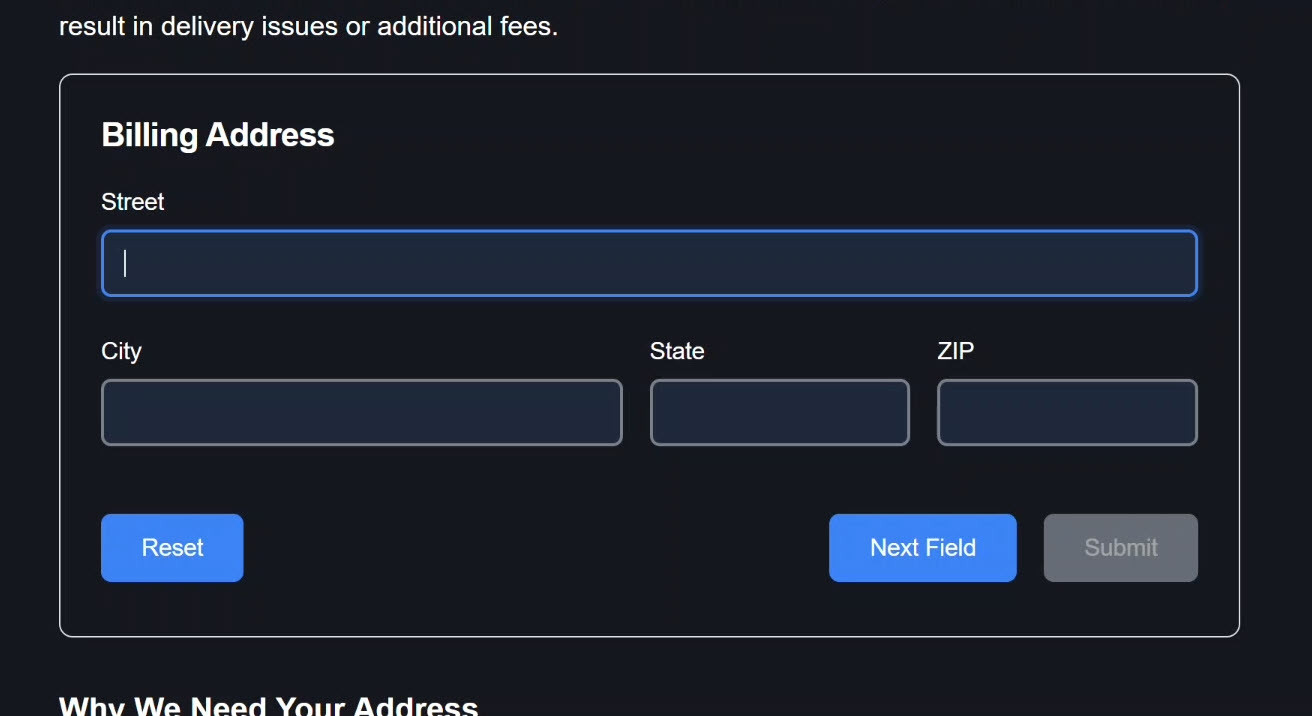
The form clears, the validation disappears, and the street field is automatically focused, also done with programmatic focus.
So we’ve already got two real workflows that depend on programmatic focus.
Let’s look at how we’re pulling that off today.
The Old Way: viewChildren, ElementRef, and Manual Focus
Let’s start by looking at the TypeScript for this form component.
In this code we can see we have an inputs viewChildren signal query:
readonly inputs = viewChildren<ElementRef<HTMLInputElement>>('input');
It collects every input element in the form using an #input template reference variable.
This is how we are currently getting access to the elements for programmatic focus.
Next, we have a reset() method that is called when the “Reset” button is clicked:
protected reset() {
    this.model.set({
        street: '',
        city: '',
        state: '',
        zip: ''
    });
    this.form().reset();
    this.inputs()[0]?.nativeElement.focus();
}
Here we reset the form model signal and the form itself, then we grab the first input from that query, reach for nativeElement, and finally call the native JavaScript focus() method to focus the first field in the list.
After this, we have a nextInvalidField() method.
This gets called when we click the “Next Field” button:
protected nextInvalidField() {
    const fields = [
        this.form.street,
        this.form.city,
        this.form.state,
        this.form.zip
    ];

    const invalidIndex = fields.findIndex(field => !field().valid());
    if (invalidIndex !== -1) {
        this.inputs()[invalidIndex]?.nativeElement.focus();
    }
}
First, we convert the fields from our form into an array, then we find the index of the first invalid field.
If we have an invalid field, we then use nativeElement and the focus() method again.
This all works. It’s not wrong, but it’s fragile and probably won’t work in all situations.
The bummer here is that Signal Forms already understand the structure of the form, so why are we manually walking the DOM?
Well, as of Angular 21.1.0, we don’t have to.
Angular 21.1.0: Introducing focusBoundControl()
The Signal Forms API now exposes a method called focusBoundControl().
Instead of asking the DOM…
“Hey, which input is this?”
We can ask the form:
“Please focus the control bound to this field.”
So let’s refactor.
Refactor: Replace DOM Queries with Signal Forms
We can start by getting rid of the inputs signal query and the associated imports.
We won’t be needing them anymore.
Right now, in the reset() method, we’re grabbing the first input and calling focus().
We can now replace this with our form signal, and then call this new focusBoundControl() method:
Before:
protected reset() {
    ...
    this.inputs()[0]?.nativeElement.focus();
}
After:
protected reset() {
    ...
    this.form().focusBoundControl();
}
That’s it. No DOM. No queries. No guessing. Just do the thing!
Now we can update the nextInvalidField method.
In this case I’m just going to rip all of the existing logic out.
We don’t need any of it anymore.
What I’m going to do instead is create a variable using the form signal and accessing the errorSummary array to get the first error:
protected nextInvalidField() {
    const nextInvalidField = this.form().errorSummary()[0];
}
Each entry in this array includes both the error message and the path to the field that caused it, which means the form can tell us exactly where the problem lives.
So instead of guessing which input is invalid, we can let the form tell us exactly where the problem lives.
Then, if we have an error, we use that to access the corresponding field and call focusBoundControl():
protected nextInvalidField() {
    const nextInvalidField = this.form().errorSummary()[0];
    if (nextInvalidField) {
        nextInvalidField.fieldTree().focusBoundControl();
    }
}
That’s all we need.
So, now we’re letting the form tell us:
“This is the field that’s invalid, go focus it.”
Now let’s save and try it out!
Let’s add a street address and click “next field” again:
Nice, “city” is focused just like it used to be, but now it’s done in a more simplistic, modern way.
And how about when we hit reset?
Yep, that still works too.
The form clears, the error disappears, and the street field is focused.
Same behavior but with zero DOM plumbing.
And now our focus logic is driven by the form model, not by the shape of the HTML.
That’s the real win here.
Focus vs Scroll: What Actually Happens When a Field Gains Focus
Right now, when using focusBoundControl(), focusing a field does two things:
- It moves keyboard focus
- It automatically scrolls that element into view if it’s not already in view.
Let me show you what I mean.
Let’s add an address again, scroll down so it’s out of view, then hit reset again:
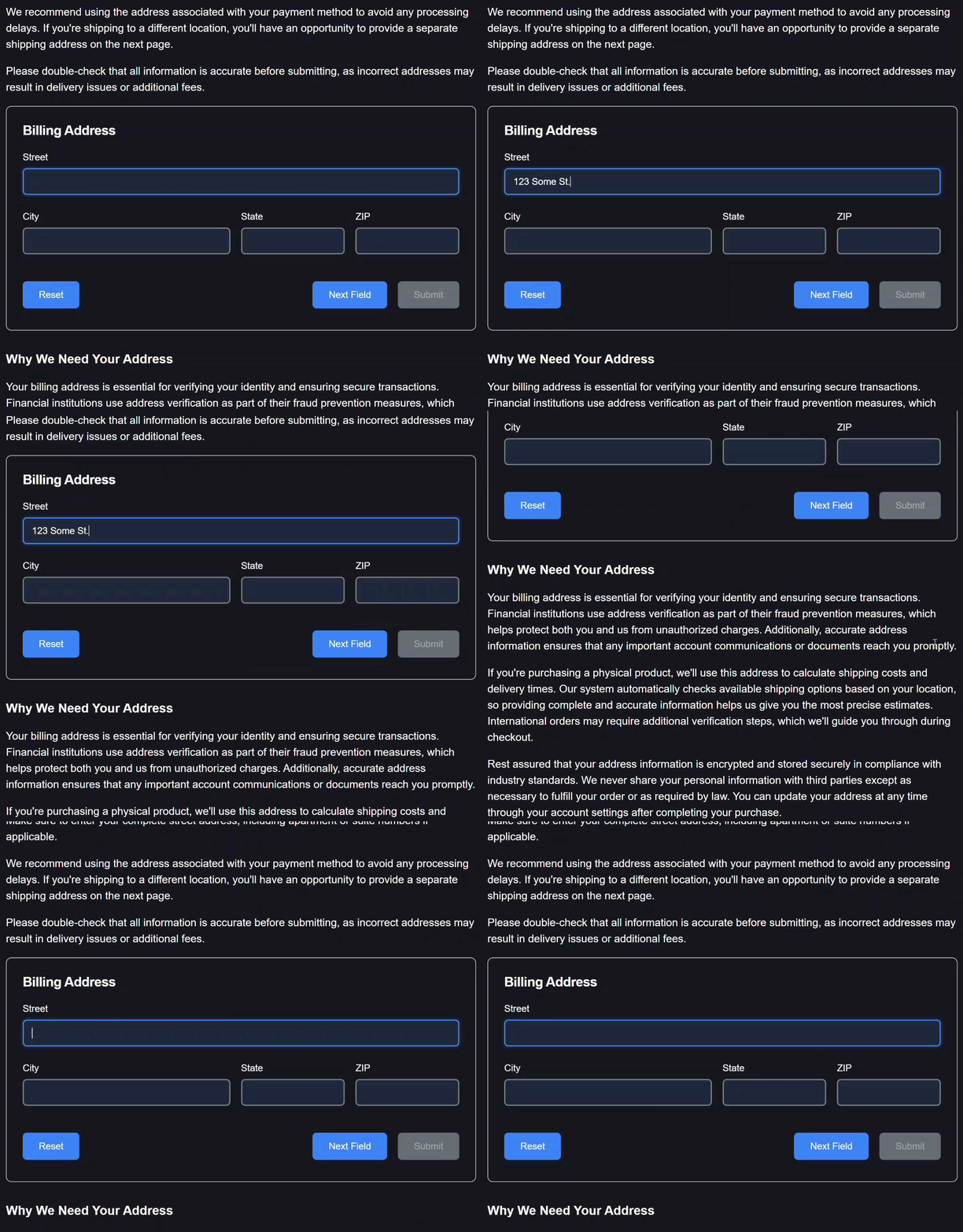
See how it scrolled the address field into view?
That’s the browser doing what it thinks is helpful: if something receives focus, make sure the user can see it.
Most of the time, that’s exactly what you want.
But sometimes it may not be.
Maybe you’re resetting a large form, or jumping between steps in a wizard, who knows.
There are some scenarios where you just won’t want this.
And, as of Angular 21.2.0-next.0, focusBoundControl() gives you control over this behavior.
Angular 21.2.0-next.0: Preventing Auto-Scroll with preventScroll
Back over in the code, we just need to make one very small tweak.
The focusBoundControl() method now accepts an options object.
In these options, we have a preventScroll option that we can set to true:
protected reset() {
    ...
    this.form().focusBoundControl({ preventScroll: true });
}
The default is obviously false.
This maps directly to the browser’s native focus() preventScroll API, but we’re doing it at the form level, not the DOM level.
We’re still saying:
“Focus the control bound to this field.”
But…
“Don’t move the viewport to do it.”
Let’s save and see how this works now.
Focus Without Scrolling the Page
First, let’s add a street address again, then scroll down so that the street field is out of view again, then hit reset:
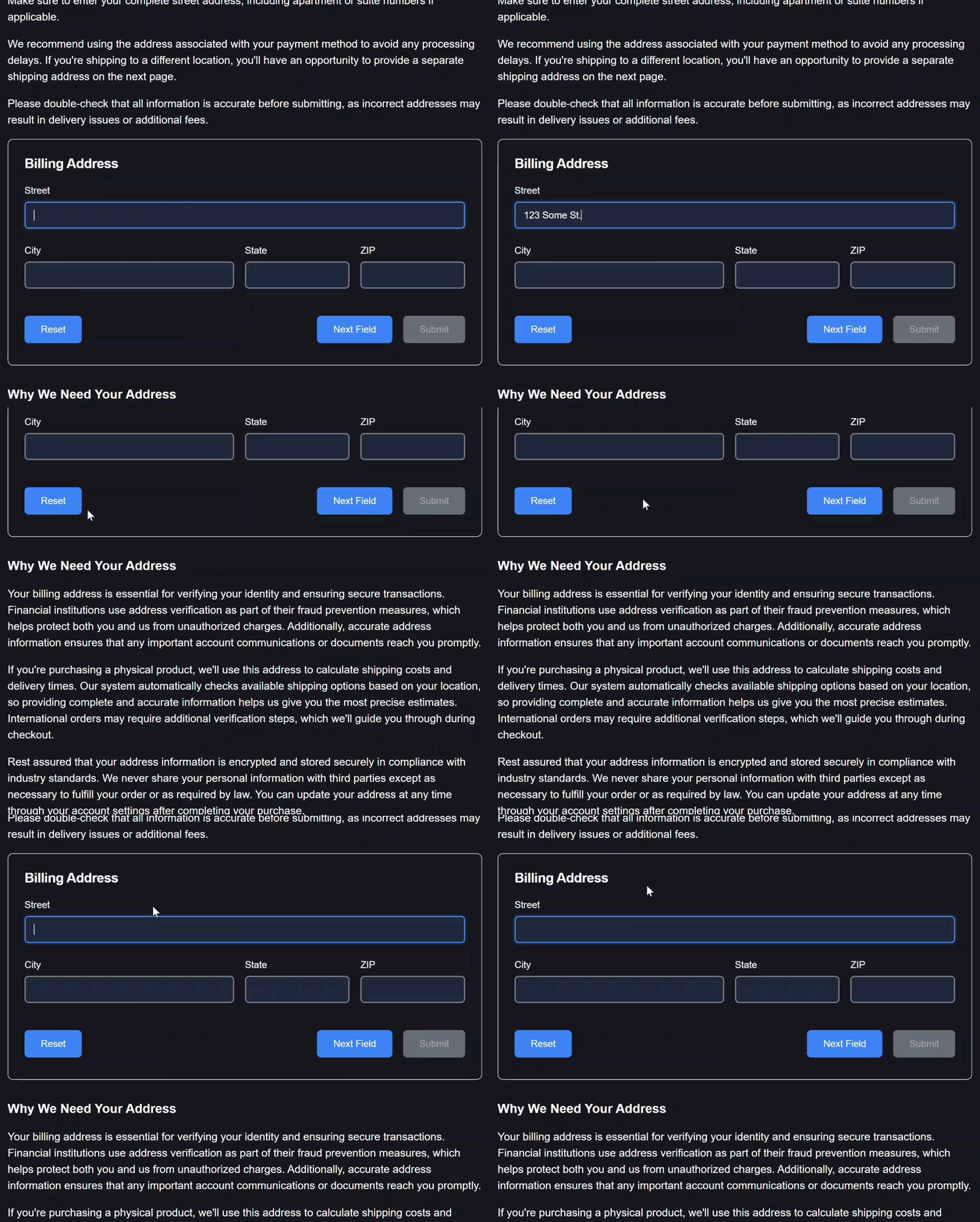
Notice what doesn’t happen: the page does not scroll.
It stays exactly where it is.
But the street field is focused.
This is especially useful in long, multi-step forms where you want to preserve scroll position while still restoring focus.
You may not need it every day, but when you do, it’s incredibly nice to have.
Key Takeaways: Declarative Focus in Angular Signal Forms
So in this example, you saw three things:
- How to replace view children and native element focus with
focusBoundControl(): Instead of manually querying the DOM and callingnativeElement.focus(), you can use the form’s built-in method to focus controls declaratively. - How to focus the next invalid field using
errorSummary: The form’serrorSummaryarray provides both error messages and field paths, making it easy to programmatically navigate to validation errors without guessing which DOM element corresponds to which form control. - How to control scroll behavior with
preventScroll: ThefocusBoundControl()method now accepts an options object that lets you prevent automatic scrolling when focusing fields, which is essential for preserving user context in long forms or multi-step wizards.
All of this is achieved without touching the DOM directly.
Your focus logic is driven by the form model, not by the shape of the HTML.
This is one of those features that probably feels small until you’ve fought focus in a real form.
Then it feels like a relief.
If this helped you, be sure to subscribe and leave a comment, it really helps other Angular developers find this content.